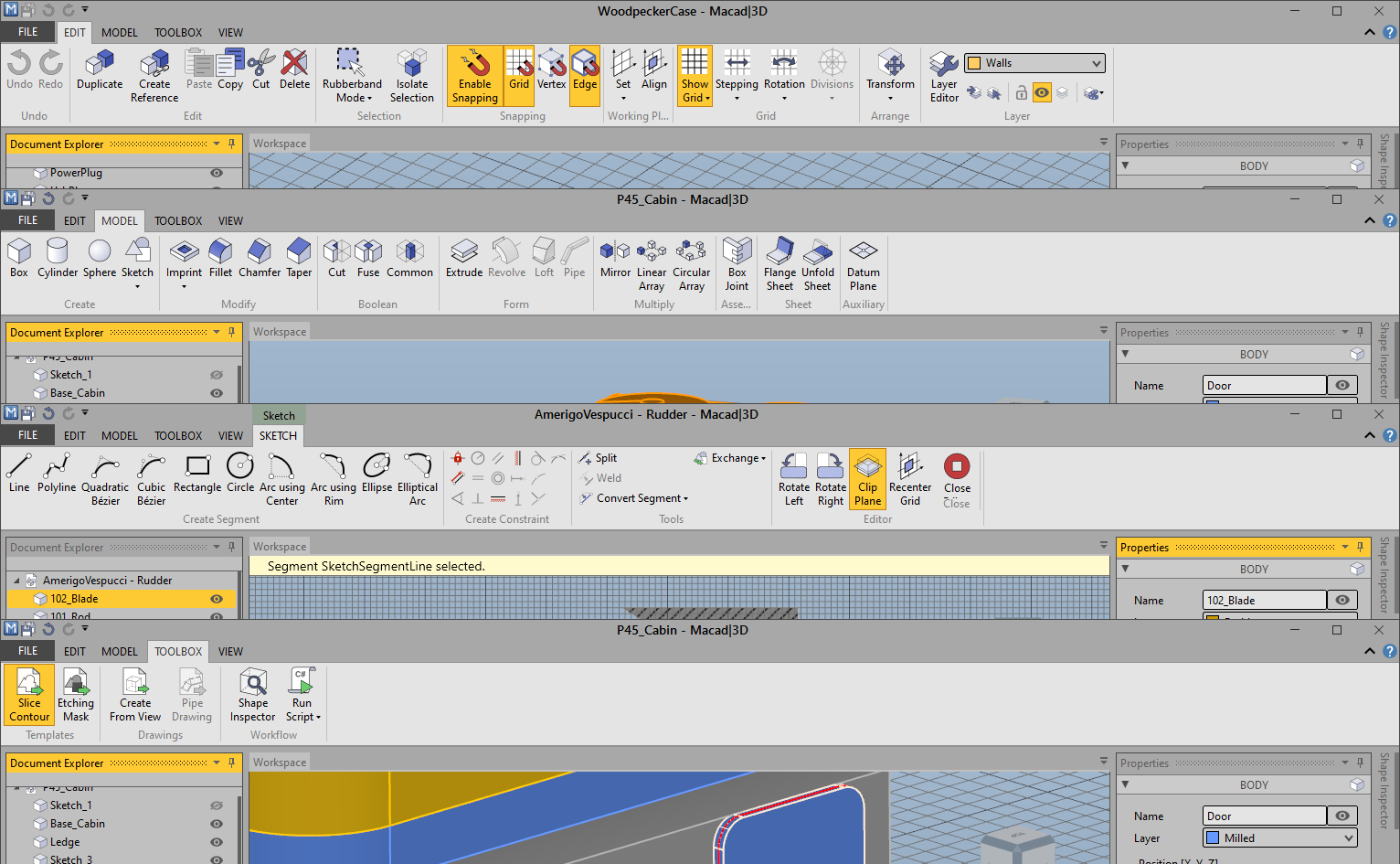
Hello all,
based on the work of HakanSeven12 I created a draft of a Ribbon UI for FreeCAD, using the https://github.com/haiiliin/pyqtribbon library. My goal was to identify the limits of the approach to implement this completely different UI as a Python Addon.
I noticed the following things that are hurdles to overcome to implement a proper Ribbon UI for FreeCAD (regarding Python issues as well as general ones):
The automatic switch to Sketcher in the PartDesign workbench doesn’t work anymore, although it can be implemented probably.
The current structure of the groups of toolbars are focused on the toolbar based UI. I tried to solve this with a JSON file where things can be redefined but it is not an ideal solution.
The uninstallation of Ribbon UI requires to run a macro afterwards that reverts the hiding of all classic toolbars.
The names of the toolbars are used as the titles of the tool groups, but they seem to be more intended as an internal identifier and are therefore not translated.
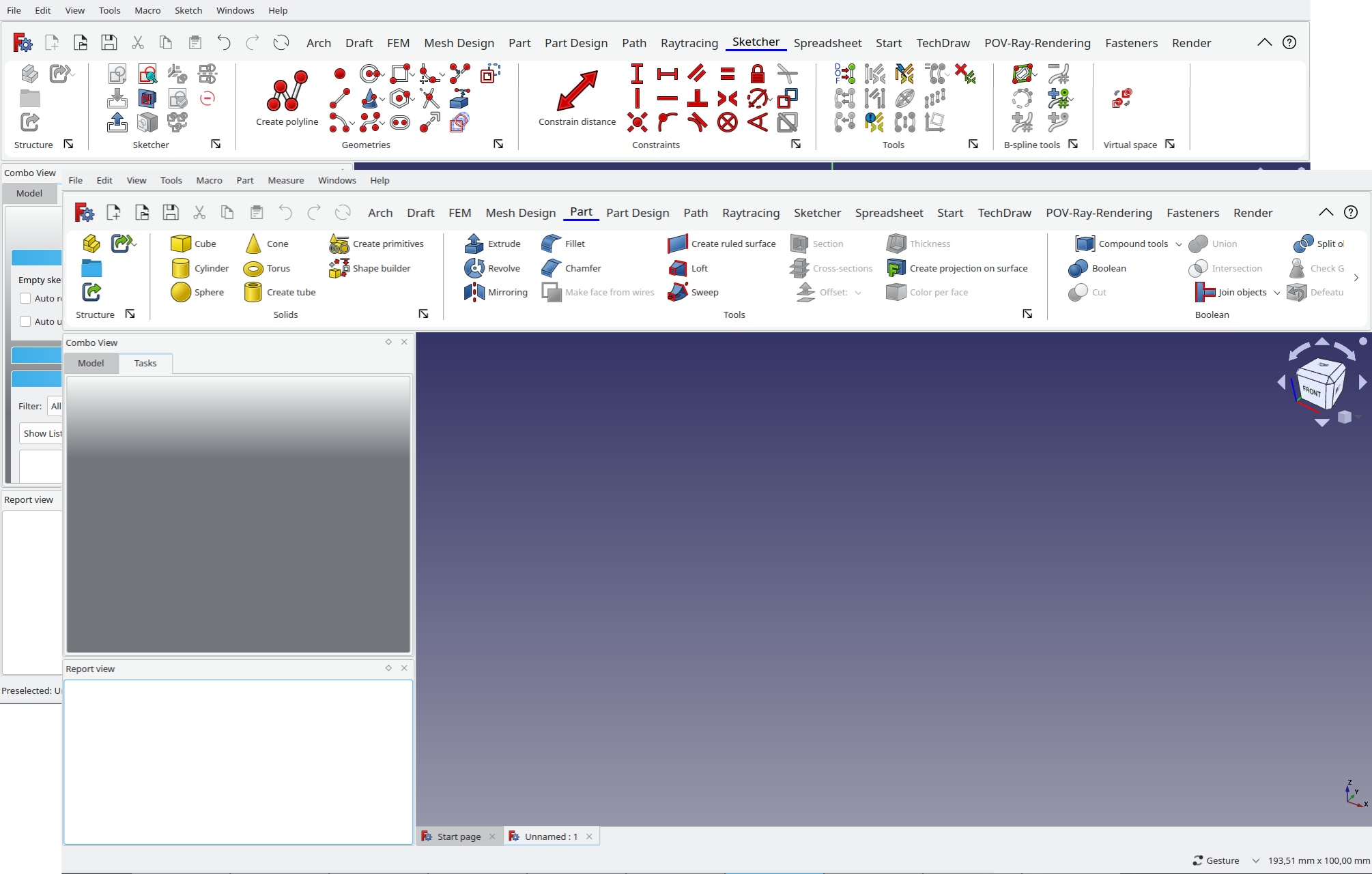
The text of commands have no consistent style, e.g. the tools to insert primitives in the Part workbench have texts like “Cube” or “Torus”, except “Create primitives”.
The texts of commands tend to be quite long what results in scroll buttons if the text is displayed.
There are toolbars with only one or two commands what looks quite strange (e.g. in the FEM or Sketcher workbench)
I think, that a direct integration into the source code of FreeCAD would be best solution, especially things like the automatic switch to Sketcher or the awkward uninstallation would be much easier to implement.
What do you think about this? Is it realistic to get a nice Ribbon UI for FreeCAD for the release after 0.21?
Best regards
geolta
PS: I don’t want the Ribbon UI to be the only possible one, the classic toolbars shall be still available as well, also if it is integrated into FreeCAD core.
I like where you’re headed with this, however I would say that the icons seem ‘off’ somehow. Not sure if it is the details or colors or just the size, but they feel out of place. Perhaps you could try with the coil icons which I think are more monochromatic and may scale better to smaller sizes.
I haven’t tested it under different OS since I have only access to a Linux PC. Maybe someone else (from the forum) can test with other OS. Installation is quite straightforward, just take a look into the README of the GitHub repository.
But I think for a “final” implementation, using a library is not a good idea since all of them have something that doesn’t fit the needs of FreeCAD. Since implementing such thing yourself is not that complicated I would prefer doing a custom solution designed for FreeCAD.
Yes, I agree. I think there are three main reasons why some icons look slightly off:
The large icons are just scaled up, therefore the stroke is also scaled while it would be better if it would stay the same.
The large icons have text that is slightly longer than the icons width what results in a shift of them (see my point about the tool texts in general from my first post as well).
Buttons with a dropdown have a slightly misplaced icon, I don’t know why and how to fix it
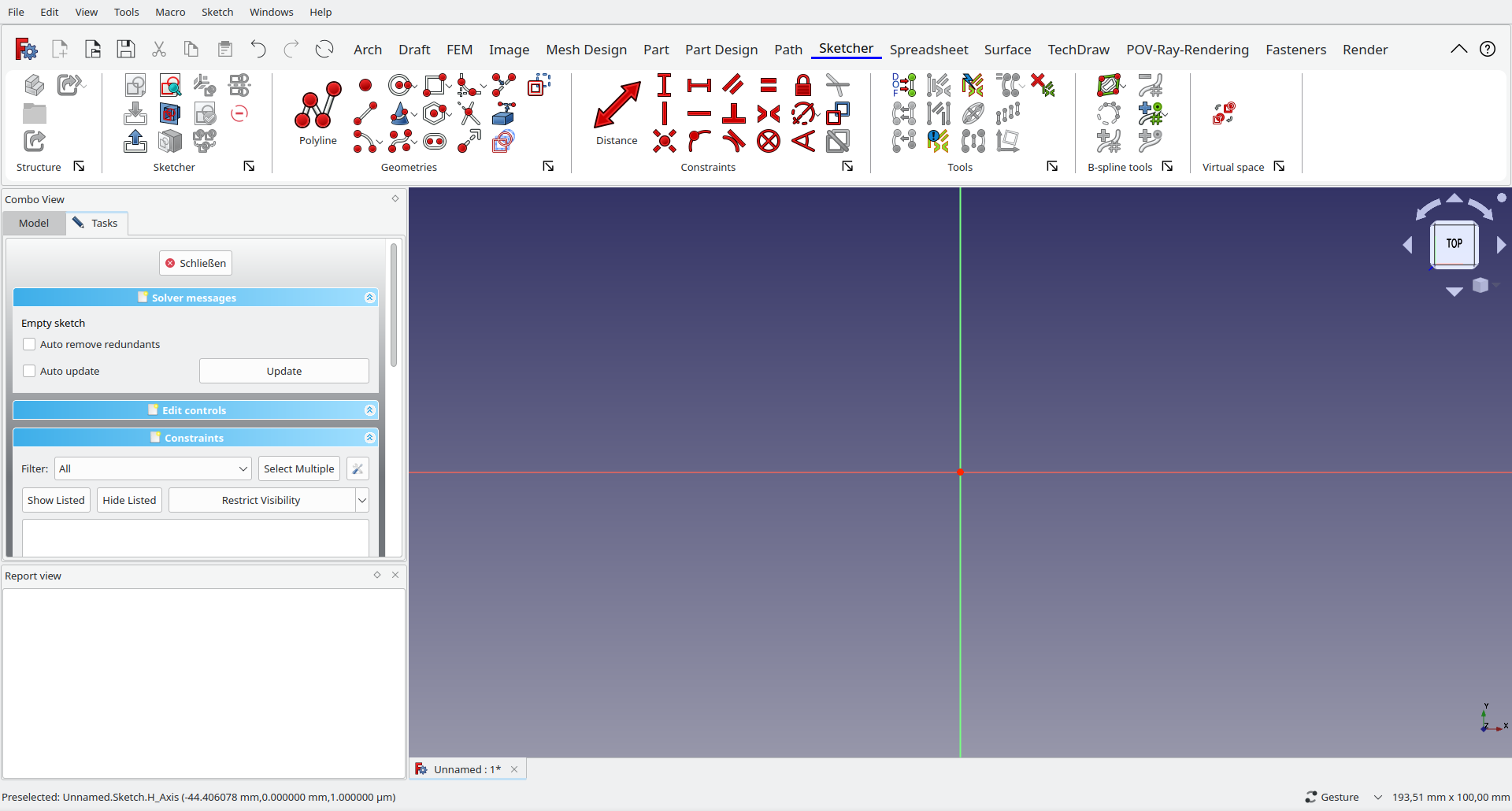
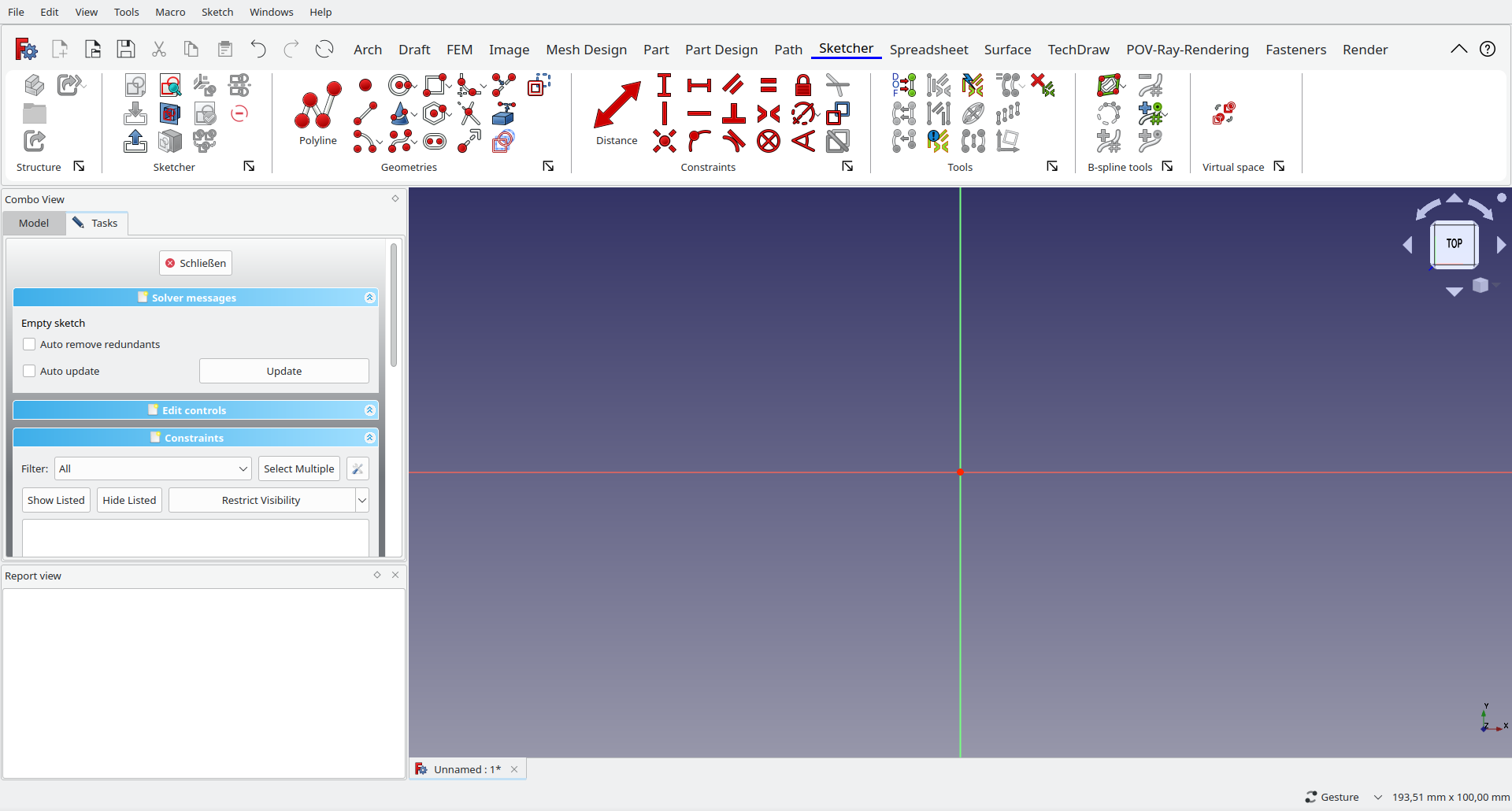
obelisk79 I have now implemented custom texts for commands (see GitHub), what can resolve the issue with too long texts at least, see the attached screenshot
Maybe the buttons are too narrow now – can be adjusted with margins in Qt, but is definitely something that needs finetuning in the end
I have now also implemented custom icons, see attached screenshot to provide properly scaled icons. Problem is though that creating the scaled version requires manual work for every icon and simply scaling in Inkscape with “Scale Stroke Width” option turned off doesn’t work either, due to the “Highlight Stroke” as it is referred in the Artwork Guidelines in the wiki.
No, unfortunately not (and I not really have an idea how to implement such thing ).
Yes, since my code relies on pyqtribbon you have to install it via “pip install pyqtribbon”.
By the way: I have found an approach to handle the automatic switch to sketcher workbench and back – but it’s not finally implemented, hope that I can publish it soon
I recommend you start developing on 0.21 as soon as you can. Developing for 0.20 at this stage is a poor choice, there’s been multiple changes to the default toolbars.
Another problem that makes the icon not look so good at this moment is IMO that there is no good logic behind their position and the sizes. The structure block looks odd having a column with 3 icons and another with just one. The sketcher block doesn’t seem to have any logic in how the icons are organized they are just thrown in random positions. For Geometries emphasizing on polyline is a good choice however the size seems a little excessive, the rest of the icons are not organized either. For constraints emphasizing any of the constraints is a bad choice, there is no single constraint that is more useful or more important than the rest and emphasizing a dimensional constraint is double bad as we generally advise prioritizing geometrical constraints, this is giving the wrong message to the user, once paddle’s contextual constraint tool is merged then you can have that one emphasized there. The lone icon on the virtual space block looks odd, in such a situation it might be better to make the icon bigger and with a label. The whole point of a ribbon UI is to have more organized and easier to find commands so getting that right is the most important part of such an interface.
Of course I understand this is just an early mockup so this type of issues are totally expected, just some observations to take into account in the future.
Really great to see someone working on a ribbon UI! I think part of the reason why the icons looked out of place is that the spacing between icons differs from the soacing between the top icon and the top of the ribbon. I think if you make the layout more regular, that would sove the issue.
Maybe something to look into later is to add a preference setting (or ribbon button) that allows you to switch between the current default, 3 ucon high ribbon, 2 icon high ribbon and 1 icon high ribbon. The latter could have icons of 36px or 48px instead of 24px and might allow people to determine which tools they want to see on the ribbon and which they don’t on a per tool basis. If you already have hotkeys for certain tools, it makes sense to be able ro hide them.
I am using FreeCAD 20.2 on Windows 11.
The default FreeCAD works very well.
I had tried the ModernUI addon earlier, and was pretty happy with it.
But that project is abandoned, so I tried your UI.
But it is not working at all.
I downloaded the zip file from here and unzipped it in my FreeCAD directory (C:\Program Files\Util\FreeCAD 0.20\Mod)
Is that the correct directory, or should I move it to C:\Users\naray\AppData\Roaming\FreeCAD\Mod?
(I see a “Mod” folder at this location also. So I have that confusion.)
Anyway, after moving the unzipped folder, I restarted FreeCAD.
But the UI remains unchanged.
Is there any dependency that I have not met?
Do I have to install PyQtRibbon separately?


 ).