This is great stuffs of immediate mass modeling and conceptualization, great addition to complement current freecad with live instant visual updates
 wow.
wow.
Am I supposed to add it like this?
obj = App.ActiveDocument.addObject('PartDesign::SubShapeBinderPython', 'Window')
Window(obj)
ViewProviderWindow(obj.ViewObject)
It produces the following error:
App.ActiveDocument.addObject('PartDesign::SubShapeBinderPython')
<class 'Base.FreeCADError'>: No document object found of type 'PartDesign::SubShapeBinderPython'
Yes, but it only works in my fork at the moment. That PR is not in upstream either. I have just updated the image. The SubShapeBinder is now working correctly. You just need to set its view property UseBinderStyle to False.
What a pity, hope the PR will be merged soon… I’ll try to make a test into your fork to check if i’m able to make it work as expected 
THIS IS JUST COOOOL! 

One parametric window and many mutated SubShapeBinder(s). And just one object in the tree… And everything done without scripting! Now I really need to try the SubShapeBinderPython
All this anything to do with variant App::Link / Configuration Table ?
@Carlopav, I had difficulties to just follow the concept you guys are talking about not to mention understand the codes and technicalities behind 
Yes, it has to do with the configuration table PR.
The SubShapeBinder object is what I was looking for to create a prototype for a new opening (window/door/hole) object, that could be used with the wall prototype.
I tested the ASM3 fork and it works really good.
In shorts: with the Parametric window I posted here, you can create a SubShapeBinder copy that keeps the configuration parameters. This means that you can have the window definition in a separate standalone file as an App::Part, Bind its shape inside your architectural model without having to insert all the complex objects that it contains, and still modify its configuration paramenters from the inserted objects (like Height, Width, Width of the Parent Wall)!
Thanks for explaining… The Variables object is the Configuration Table then ?
Nope, it’s just something I did use to avoid circular referencing the parent App::Part, before discovering that @realthunder provided an href() expression sintax to go over the problem and be able to reference parent App::Part properties from its grouped objects.
With this new feature that is contained in the abovementioned PR, you can place all the properties of the window straight into the parent App::Part.
Amazing development guys! It really begins to simplify things up…
I’m thinking we could begin to approach the “Families” system of Revit… That is, the base object of the window is not used itself anywhere in the model, only its instances… And the base object would be placed in to a “Families” group. Maybe we should avoid the word “family”, though…
…Or not. After all the great thing of FreeCAD is flexibility. One should not be forced to adopt a certain type of workflow dictated by the app. That’s where we can differ greatly from commercial BIM apps… But in any case there could be a mechanism to offer to store “base objects” into some separate group…
Exactly, we can have it or not! that’s the coolest part 
By the way, do you have any news on how the review of @realthunder PR is going? Can we expect it for 0.19 or 0.20?
Sounds great to instantiate the (Arch)objects
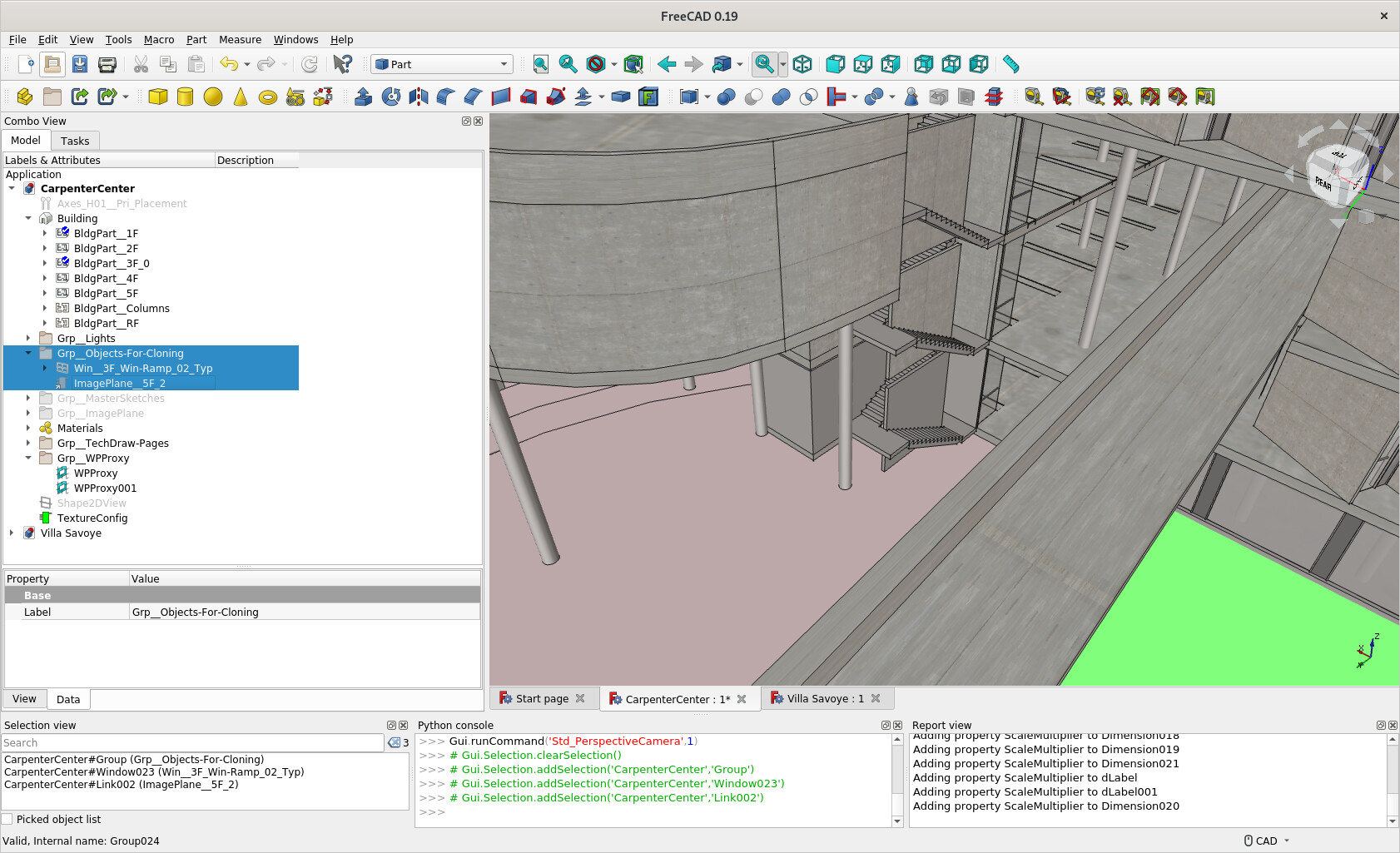
I have a Group to hold objects for ‘cloning’ ‘linking’ etc.
I have been trying to understand the possibilities and @Realthunder seems implemented quite some features which may help, though not knowing the real potential and yet to test …
- GitHub - App: add proxy execute support to Link (This is merged)
(Forum - [Link] of (Sketch)ObjectPython / Part FeaturePython lose its ‘Proxy Methods’ ? - variant App::Link
- Configuration Table
With item 1, I was conceiving the appLinkExecute() can run an algorithm e.g. to place instances of window in a wavy manner like Gehry ‘Dancing House’ in Prague. It may allow to make each instances of Window in different size I am not sure.
Not much idea about item 2 and item 3 

thx @paullee for the topic references.
Indeed @realthunder new features can be a great improvement to arch workflow.
Is it a real PR already? In any case everyone can always help review by testing branches and reporting problems or say everything runs ok. That accelerates the whole process a lot!
Not yet (thus it could be if we want). I just did it to test if Py2 was compiling right since I used this pattern from realthunder to create objects:
App.ActiveDocument.addObject("Part::FeaturePython", "Wall", Wall(), ViewProviderWall(), True)
Instead of splitting the wrapping of Wall and ViewProviderWall after object is added to the document.
This works good and compiles Ok.
I’ll continue testing with Asm3 fork because it’s needed for the new window concept.
Do you know if there is a feature freeze planned soon or if the Configuration table PR is being reviewed at the moment?
If the feature freeze and the release are far in time, perhaps I can prepare a PR… if it’s expected within a month or so, we can just wait I think 
Spotted another thing: the color is lost also if you change the BindCopyOnChange to mutated.
OS: Windows 7 SP 1 (6.1)
Word size of OS: 64-bit
Word size of FreeCAD: 64-bit
Version: 0.19.20886 +2271 (Git)
Build type: Release
Branch: LinkStage3
Hash: bea5c37508390dfe23090dabac023fc3d52109fd
Python version: 3.6.8
Qt version: 5.12.1
Coin version: 4.0.0a
OCC version: 7.3.0
Locale: Italian/Italy (it_IT)
By the way, may I ask you if you can provide a base code for PartDesign::SubShapeBinderPython and PartDesign::ViewProviderSubShapeBinderPython? I’m struggling to properly make it work. Find attached a base macro and the template window i’m trying to bind.
How do you Syncronize the object from script?
Opening.FCMacro (1.8 KB)
Finestra tipo asm3.FCStd (41.8 KB)
Edit: one last thing. I’d be probably able to use the C++ object without having to use the Python one (guess it’s desirable cause it’s faster), if I could Bind both the Part and it’s WallVoid object in the same SubShapeBinder, but calculate the SubShapeBinder.Shape compound ignoring the non Visible objects (A property like SkipNonVisibleSupports). In this way the reference to the Wall subtraction would be kept and updated accordingly, but not displayed in the SubShapeBinder. Could this be an interesting improvement or just a too specific issue?
to exemplify this is the pseudo code:
SubShapeBinder.Support = [App::Part, WallSubtraction]
SubShapeBinder.Shape = Part.makeCompound(App::Part, WallSubtraction)
WallSubtraction.Visible = False
SubShapeBinder.Support = [App::Part, WallSubtraction]
SubShapeBinder.Shape = Part.makeCompound(App::Part)
#so I can perform:
Wall.Shape = Wall.Shape.Cut(SubShapeBinder.Support[1].Shape) # also if the SubShapeBinder.Support[1] is not visible in the 3d view
I wouldn’t have mind if i could acquire a windows installable .exe or .msi to test it in my computer.
Sorry, no idea how to do that… attached you find an updated version of the module.
I recorded some videos to showcase the prototype (https://www.youtube.com/playlist?list=PL7KzDE6AYsGHC6Z3gQf2F24VmlMpKBHiY)
Arch.zip (80.9 KB)
I’ve checked out the video links, I think they are quite impressive this work development. Live editing is way useful.
Are they light weight compared to the current way that freecad does walls?
They are way lighter at the moment, but still lack of many of the features current wall have… So we will see at the end
Anyway the goal is to keep things as simple as we can.