I had a quick look, they don’t seem to actually have any object ready to download (or at least I couldn’t find), maybe using one of their plugins… In any case nothing that seems of much interest to us right now. But let’s keep an eye on it, it might evolve into something better.
Materials in FreeCAD have a lot of properties already. Just takes someone to create materials with all the properties filled. After the release I plan to work on a more decent material editor…
“This is a simple interface to manage the different levels (Floors currently) of your document. At the moment you can only do basic things such as changing their properties and add or remove levels, but the intent here is to add more dependent functionality to levels, like WP proxies, which would allow neat things like, upon double-clicking a level, hide all other levels, and set you in a configured view (for example a top view above the level plan). This would mimmick quite well how other BIM apps work, where you can isolate a particular level to only work in it.”
This is a feature I almost want to experiment with my limited python knowledge + frankenstein way of combining WPproxy+ArchSectionPlane+CutView …probably another experiment of weeks/months that a programmer done it in few tens of minutes Glad it is in a To-Do-List
The Level / Floor Object maybe the most wanted feature, currently it seems Bind to Vertical Axes, Define a Working Plane for Each Level… does not works. Hope to see something like - Level/Floor placement changes, objects in Level/Floor changes altogether…(My frankenstein way experiment is to use Axis + Expressionsss + Sketch/MapMode/ObjectXYZ, very unhandy!)
Thanks and hope to see more features!
Btw, there is error message after OK for the level manager, see screenshot.
OS: Linux
Word size of OS: 64-bit
Word size of FreeCAD: 64-bit
Version: 0.17.13483 (Git) AppImage
Build type: None
Branch: master
Hash: 0ac32464e45fa9648cdaf702ebda06650dabe9dc
Python version: 2.7.6
Qt version: 4.8.6
Coin version: 4.0.0a
OCC version: 7.1.0
Locale: English/HongKong (en_HK)
Yes, you must install the WebTools addon, there is a tool to communicate with a bimserver. But recent versions of bimserver for some reason don’t work on my computer anymore, some weird java version compatibility issue that I was too lazy to investigate. So there is quite some time that I didn’t test.
What you can do with it, basically is 1) connect to a bimserver, 2) download & open IFC files from it, and 3) export & upload IFC files to it. Doing some testing with this would be welcome!
There is a https://bimserver.center/ service.
You can open a free acount with a 1GB to storage in this service.
There is also an API BIMserver.center. BIM in the cloud.
Unfortunately this service does not have an online viewer to check the integrity of a IFC file made with FreeCAD
The “sanity” of an IFC file exported from FreeCAD is pretty easy to check with ifcplusplus. If it opens without errors I consider the file is clean. It is good at reporting basic geometry errors. Revit often discords, though…
I would still like to have a simple script that would let you check something like “I have 20 BIM objects in my FreeCAD model, and these 20 objects are there in the IFC file”.
About the “other” bim server, their API is probably very different than the bimserver.org… And since it is not open source, there is not much point in spending work on it
Hi everybody! Since is my first post I introduce myself a bit. I’m an architect that began to enter in Opensource tools throught Blender and has searched an BIM modeling tool that young architects and small studies could work with. And I found FreeCAD and it’s community, that I find amasing.
I just started with BIM workbench and I thing it goes in the wright direction. I like how it’s a tool in what you can use every workbench to create an arch component and asign a role that it’s going to read as an ifcelement. I’ve noticed that those elements are not parametric. Do you thing in the future, some of them, might be able to be parametric?
I really like how it has been thought from an IFC perspective. IFC’s might not be perfect but is the best we have to comunicate the form and the data. With that in mind I don’t know if there is a possibility to create a file to be able to classify the elements (like Uniclass) and once you export the Fstd file to an Ifc it might keep the classification. In IFC there’s a bunch of information that you don`t need or use. But with the name, the classification and the quantities you can reach most of your goals.
I’ve been reading your Floor name discussion. For me it’s clearer if you call it floor than cell, but it’s just an opinion.
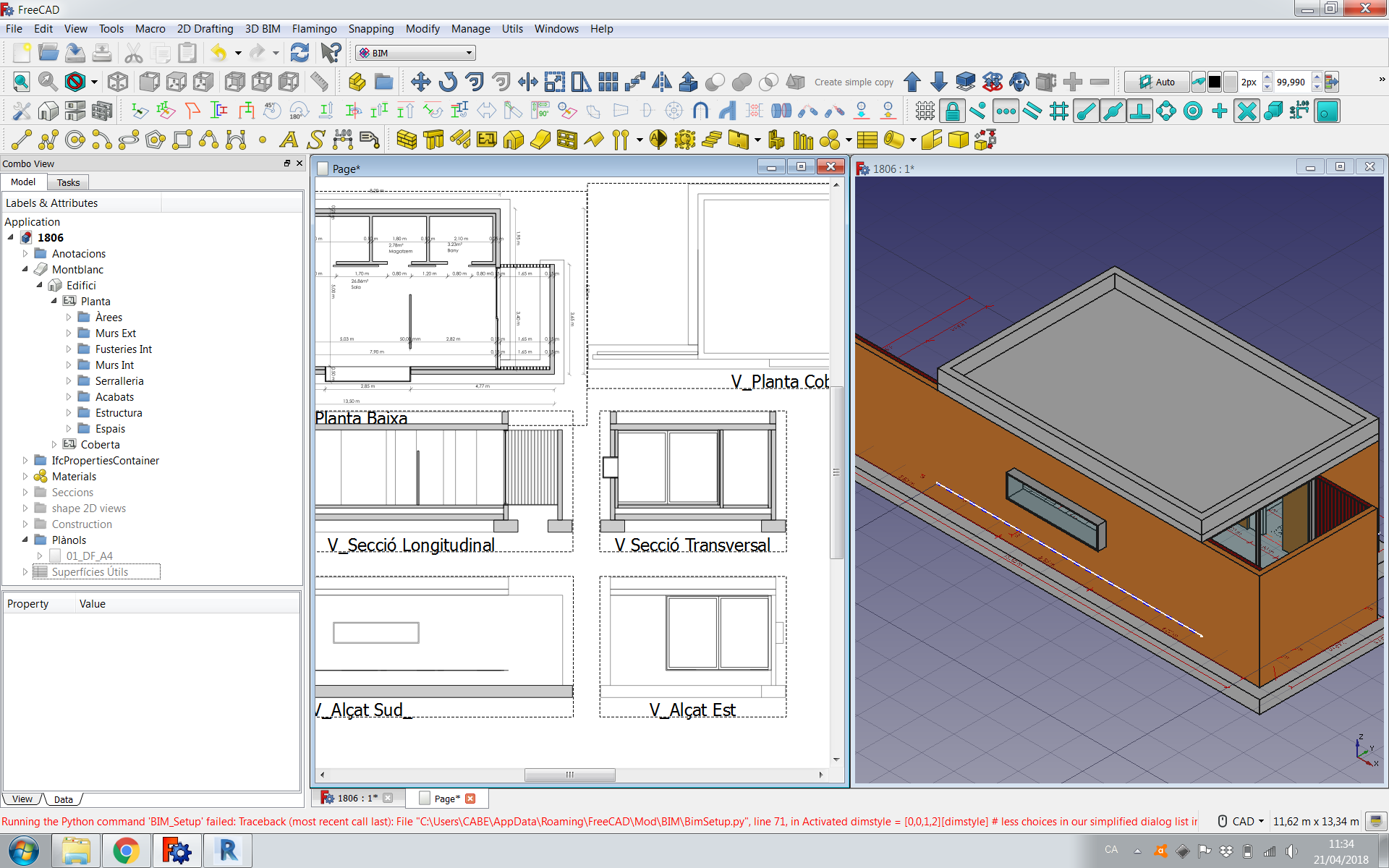
I also have found an error while I click the “Set some common FreeCAD preferences for BIM workflow” button. I attach a screenshot
About uniclass and pouring more data into ifc files, i agree 100%. But this is a complex matter, it’s not very clear how to do that best. I saw that ifc has a classification entity that i think serves that purpose. we need to implement that at some point..
I saw that ifc has a classification entity that i think serves that purpose.
[/quote]
Exacly, that’s it.
In revit it can be done with the Assembly Code. You create a txt file where there is all the classification an then you asign the code to each element.
You can also do it creating a parameter text type where you fill the code an then you make a schedule. You have the option to export also schedules on the IFC file an then it’s done.
I attach some links of how it’s done in Aecosim, Archicad and Revit in case it helps you. It might give you some ideas It’s in catalan/spanish.
Very instructive to see all 3 side by side… The way I see it so far:
We already have a “classification” attribute for materials.
Maybe we need the same for all bim objects. But then, what if a bim object has one code and its material another code?
It is tedious to have to look for the code in some other system, website, etc
We need to find classification tables in a format that is machine-readable (xml, for example). I think masterformat we can forget because it’s commercial, but omniclass I think it’s open, there should be something
With that, we could have an UI that allows to pick a code in a tree list or search for words, that would make it easy to add codes to all your objects, be it on the object itself or on its material
Then we can see how we export/import that to/from IFC, but it seems simple.
I see. Maybe this would be the easest way. if any arch object, as materials, has a Classification line in its data where you could write the code you want (or select it from a txt file or similar) and export it. For what I’ve seen the information that appears at the Classification data of an IFC it’s
a- Classification name: Uniformat, Omniclass…
b- Reference/Identification: The code. For example 20.20.10.10
c- Name: For example pillars
Maybe creating an spreadsheet named as the classification system with label data, descrition data, code data information in it would be exportable as IFC classification data.
I don`t see that a problem. As far as I know you could even have 2 codes for the same Arch object
I think the program hasn’t got to have the code but allow you to put the code you want. You might need to classify your project in a personal way. Or, for what I know, there are public administrations that comand you to classify your BIM project with an specific classification system.
¿Would it be possible to link this UI with spreadsheet or something that had all the codes of the classification system in order to pic the one you need? Then you would have the work to write all the codes once, but then you could use this in other projects.
In that I can´t help you (for now)
I attach here the classification system that our regional BIM users Association created in pdf and xlsx (in CAT/ESP) as an example
The IfcProperties stores all the ifc properties of an object that is imported from an IFC file, and also, when exporting, those properties are saved back to the ifc file. But so far 1) it’s not editable (we need an UI, I’m working on it), and it doesn’t support property sets yet.
OK. The classification can be solved with a diferent path as teh ones we were writing or even using the Psets. So we have to be patient. i’ll watch if I see some data that might be useful
 Glad it is in a To-Do-List