Don’t want to hijack your topic but Linkstage support Icon theme’s and it is really easy to make an icon theme, and if we get some theme’s in there it will probably be nice to port it too the main branch!
More info and my icons here.
st_phan I realize you’ve kind of backed away from this project. However I’ve picked up the most recent file you released and are working on them. Mostly just adjusting the ones you’ve already created at this point but I intend to work on these further. If you still have the original source files and are willing to share I would appreciate it. Here’s a sample of what I’ve completed so far. Mostly minor tweaks and a couple of ‘recreation-modifications’ of your icons.
Kind Regards,
Joe

Progress update:
I started with a dark version of this icon theme from another thread since it seemed to have the most completed icons. I fully expect these to be easily themable via script once I’ve completed the set.
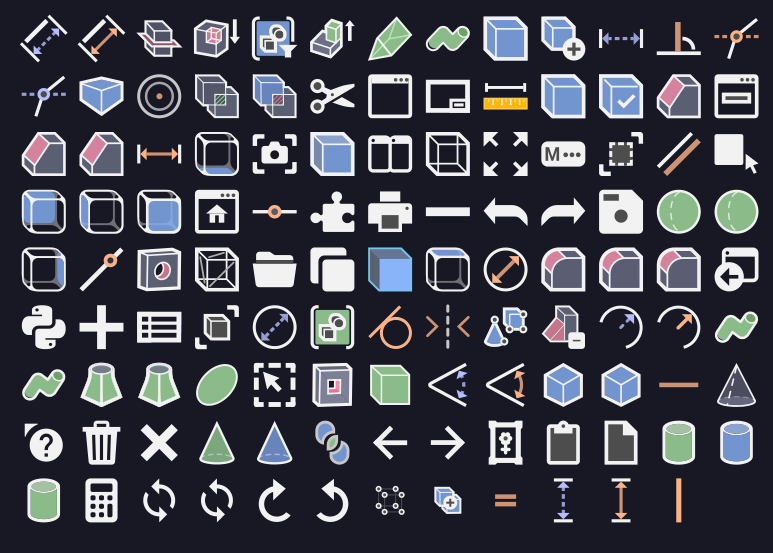
Items accomplished so far:
- Normalize base resolution to 40px for the icons
- Modify color palette to use Catppuccin for dark themes. (https://github.com/catppuccin/catppuccin/tree/main/docs)
- I’ve determined that at this px resolution 3px is best for the outer border and 1.5px is best for internal details.
- Reconstructed several icons from scratch due to issues when modifying them
- Created a few icons from scratch that I didn’t feel visually conveyed the function they were intended to represent.
- Normalized 2px padding for all icons with only very few minor details extending into this area and only for overall sizing consistency
Here is a sample of what I’ve got so far, duplicates are just because certain files share an image but are used in different parts of the software. Feedback/suggestions are welcome.
Looks good
Very very cool! The only thing that might need a bit of discussion is the color: I feel this might be too light and not “punchy” enough. I think a bit more contrast makes the icons easier to identify, though if they are themable this is a non-issue. What do you think?
Good work, hope to see this merged!
Well, I’m open to using other popular UI color palettes.
I for one love the color palette as I feel it’s less of a visual strain and keeps the focus on the part being designed rather than the UI. Would there maybe be a way to offer the same icon pack with several color palette options ? No idea how practical and intensive that would be as I’m not a designer but that’s just my 2 cents.
Obelisk, how would the theme script work?
This reminds me of minecraft textures: the leaves and grass textures are actually black and white, and color gets filled in later depending on the biome and other factors. Something similar could be implemented here, allowing any combination of accent colors, light and dark theme, ecc.
The file format is just a text file, so essentially a mass search and replace should do the trick with only minor hand tweaking afterwards.
The icons are a bit of a mess but I like to give frequent progress updates even if they are only small ones.
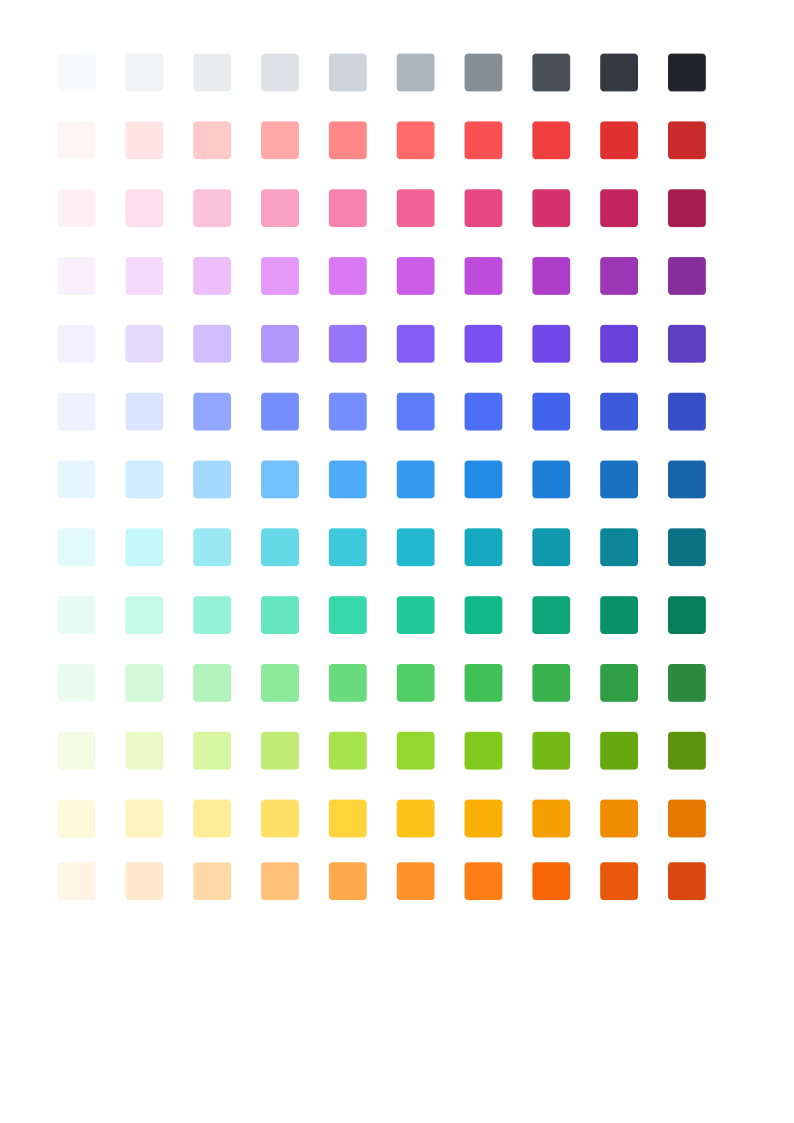
I’ve decided to re-base the colors on the “Open Color” palette found here: https://yeun.github.io/open-color/
recoloring is a WIP
I dedcided on an isolated set of Open Color palette selections after de-saturating the colors and analyzing for contrast against both light and dark backgrounds. I’m sure further modifications may need to follow. I have also included a vector color swatch that can be loaded for testing against different background colors.
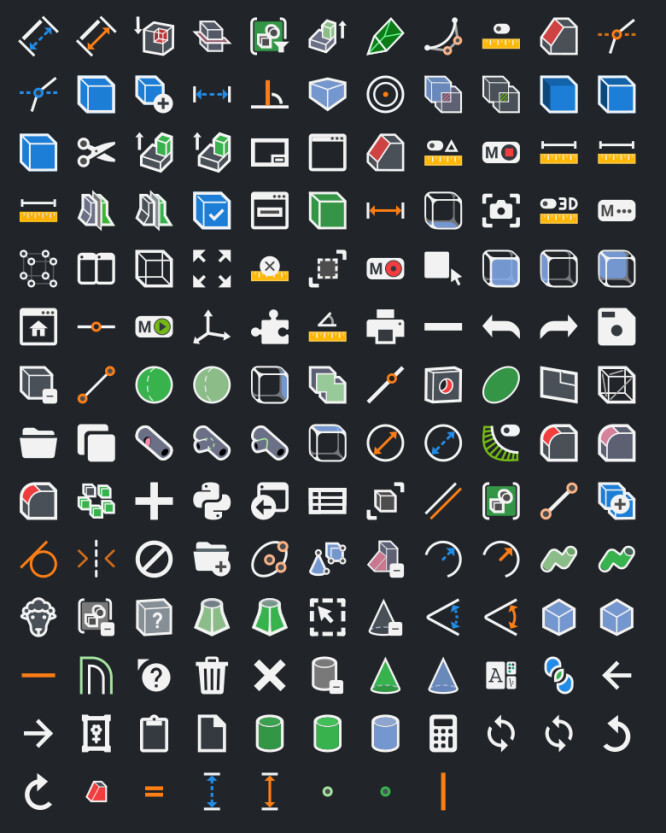
I have tweaked a few of the other previously worked on icons for clarity and sizing normalcy across ‘like’ functions.
I’ve also completed a few more icons today (before I decided to switch palettes)
My focus after completing the re-focus, will be on finishing the universal toolbar icons, PartDesign and Sketcher so I can release an rcc file for people to test and provide feedback.
I like this a lot!
Ok, update…
I have re-revised and completely reimagined countless of these now. I made a big push to get the sketcher icons completed and I’m only missing a few bspline ones at this point. Here is how they look inside FreeCAD along with an Icon Themes loadable file for those interested.
I have also started the creation of an art guide for these icons so others might eventually be able to contribute.

Edit: Removed file
Corrected some inconsistencies, here’s an updated file.
demo_darktheme.7z (152 KB)
Progress update:
I have now completed roughly 305 icons. I’ve finished most of the Sketcher icons with only the custom cursors (can’t figure out how to get these to render inside freecad yet) and a few obscurities left. I’ve started work in earnest on the Part Design icons and believe I am around 80%-ish complete.
Here is an image of my work so far. Some still need to be updated from the pastels palette, but are otherwise complete. This represents a tremendous number of hours worth of work.
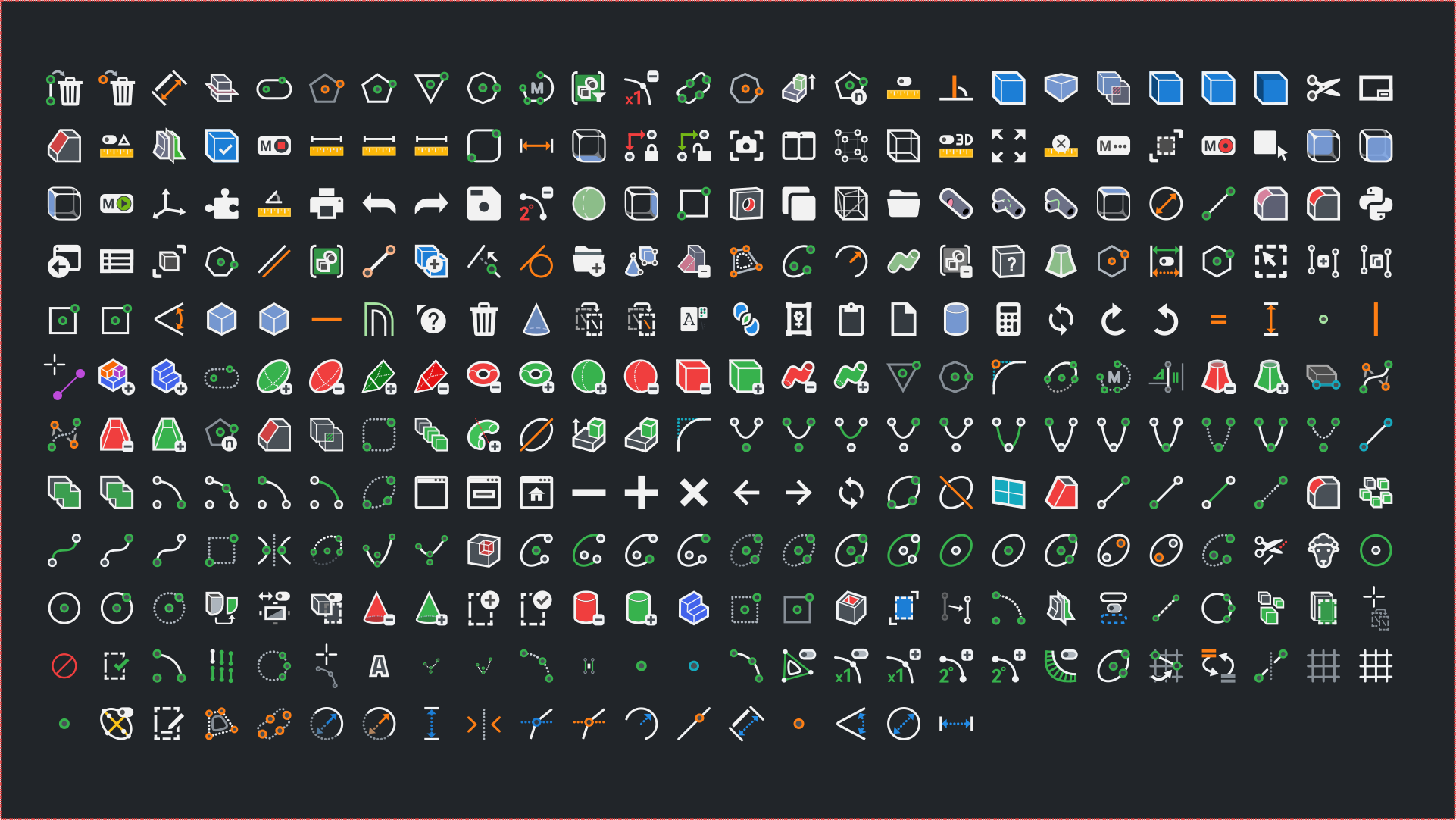
I’d very much like to engage in any criticism and debate about some of my designs or color choices as I’d like to see these have a broad appeal.
If you like or dislike please share what aspects appeal to you or not.
Here is a zip with the raw svg’s and a compiled resource file that can be used with the icon themes addon.
demo_darktheme.7z (733 KB)
They look great  maybe you can create a separate thread for your work.
I installed “IconThemes” addon, but how configure it to use your icons file?
May You provide a step-by-step instruction?
Usage
Move the Flat_Dark.rcc file inside the archive to the appropriate location for your operating system:
On Linux: /home/user_name/.local/share/FreeCAD/Gui/Icons/
On MacOS: /Users/user_name/Library/Preferences/FreeCAD/Gui/Icons/
On Windows: C:\Users\user_name\AppData\Roaming\FreeCAD\Gui\Icons\
Note: The folder might not exist, but you can create them manually
You can then open the icon themes preferences in FreeCAD (Accessories > IconThemes) and choose the icon theme.
icon set works well in a dark theme
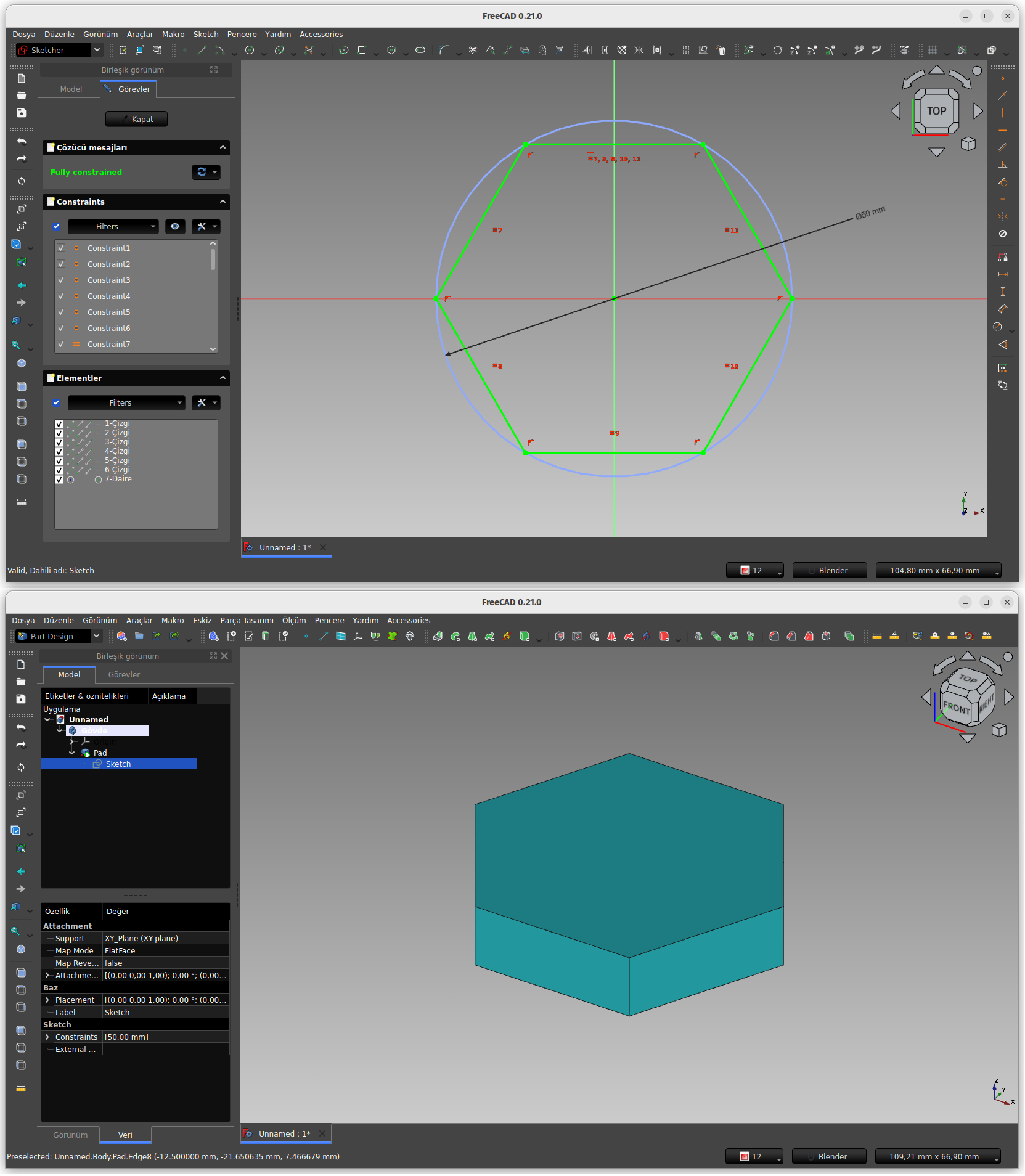
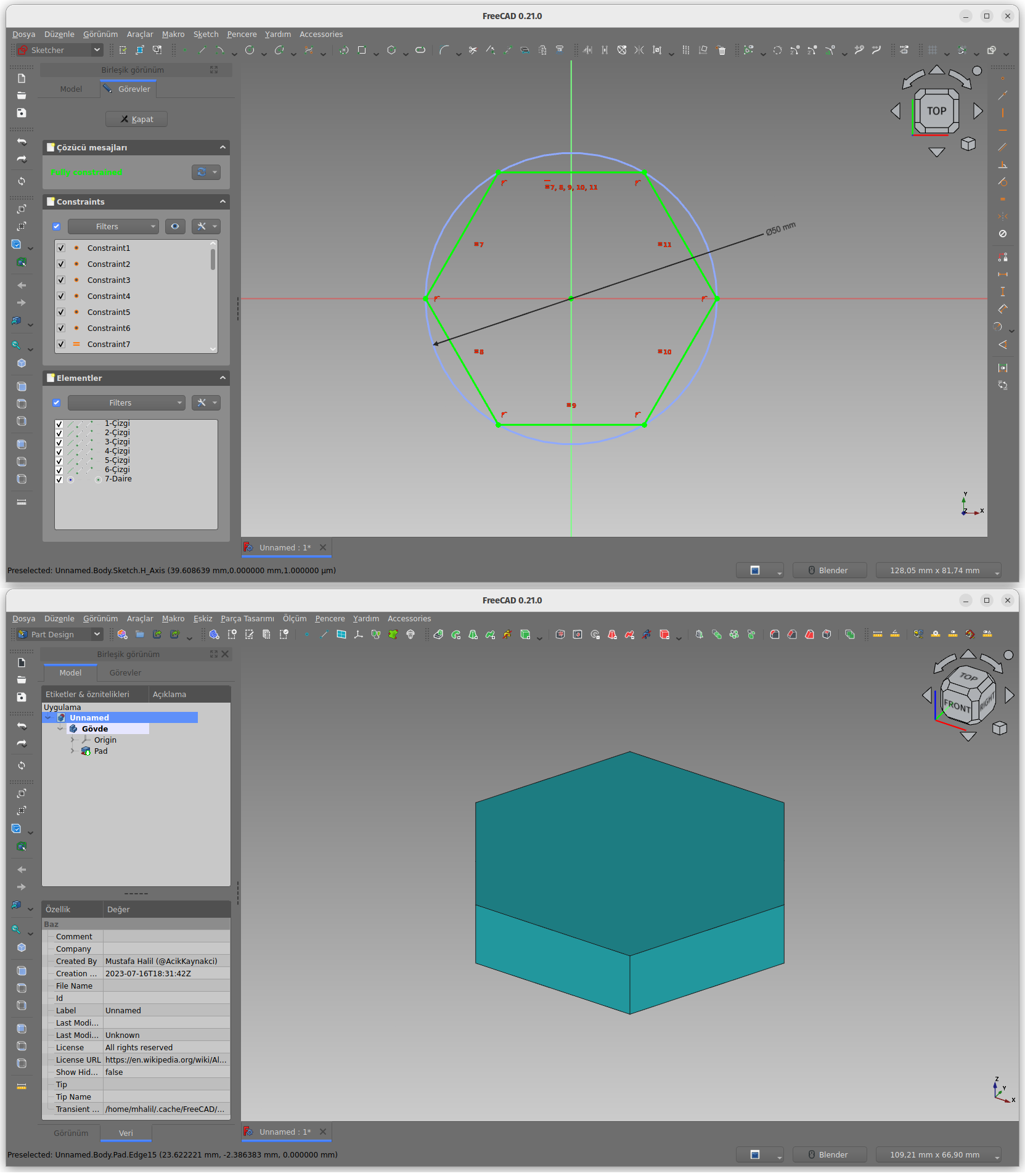
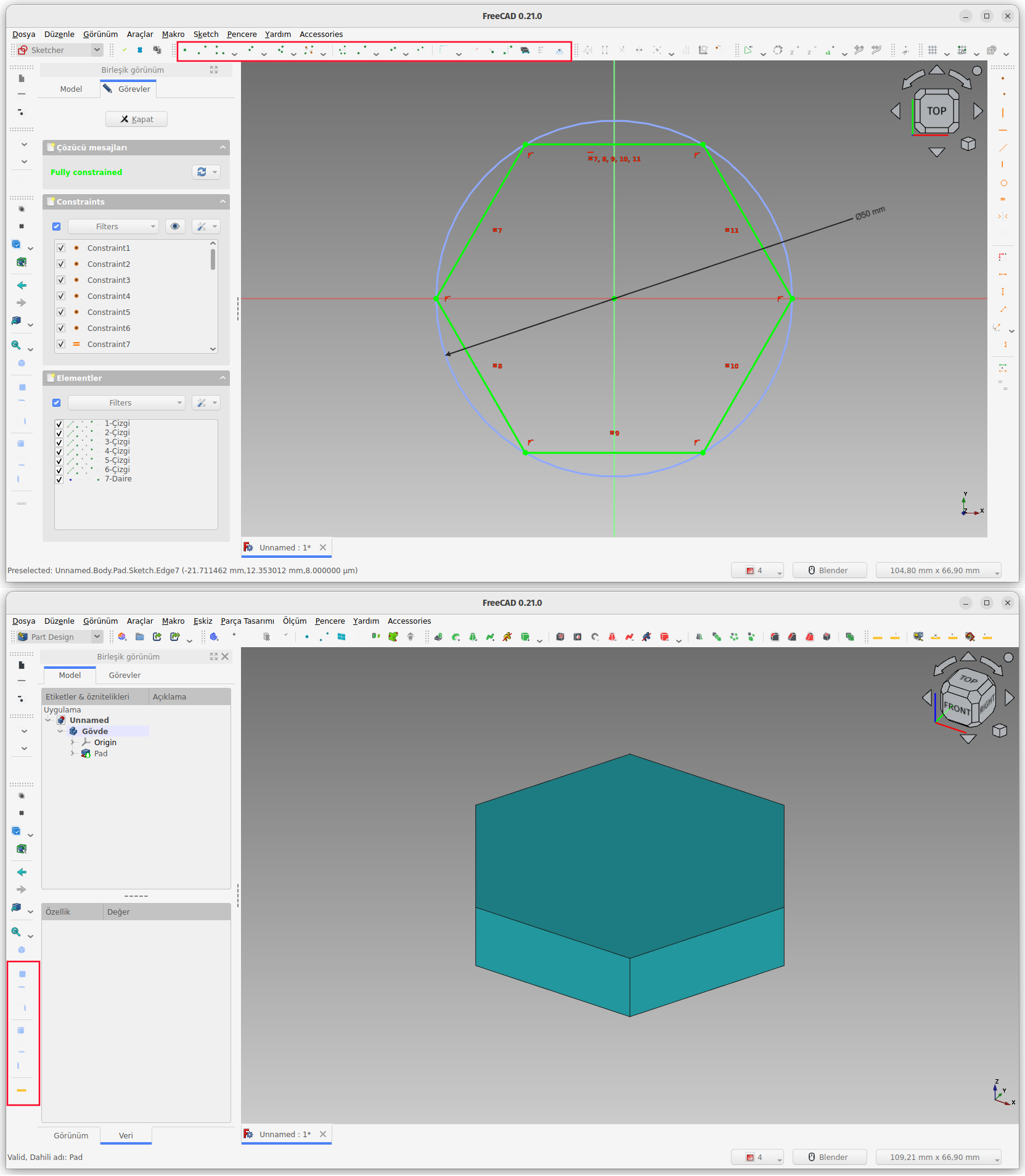
I don’t understand. Can you be more precise. For me, this is totally new. Thank you