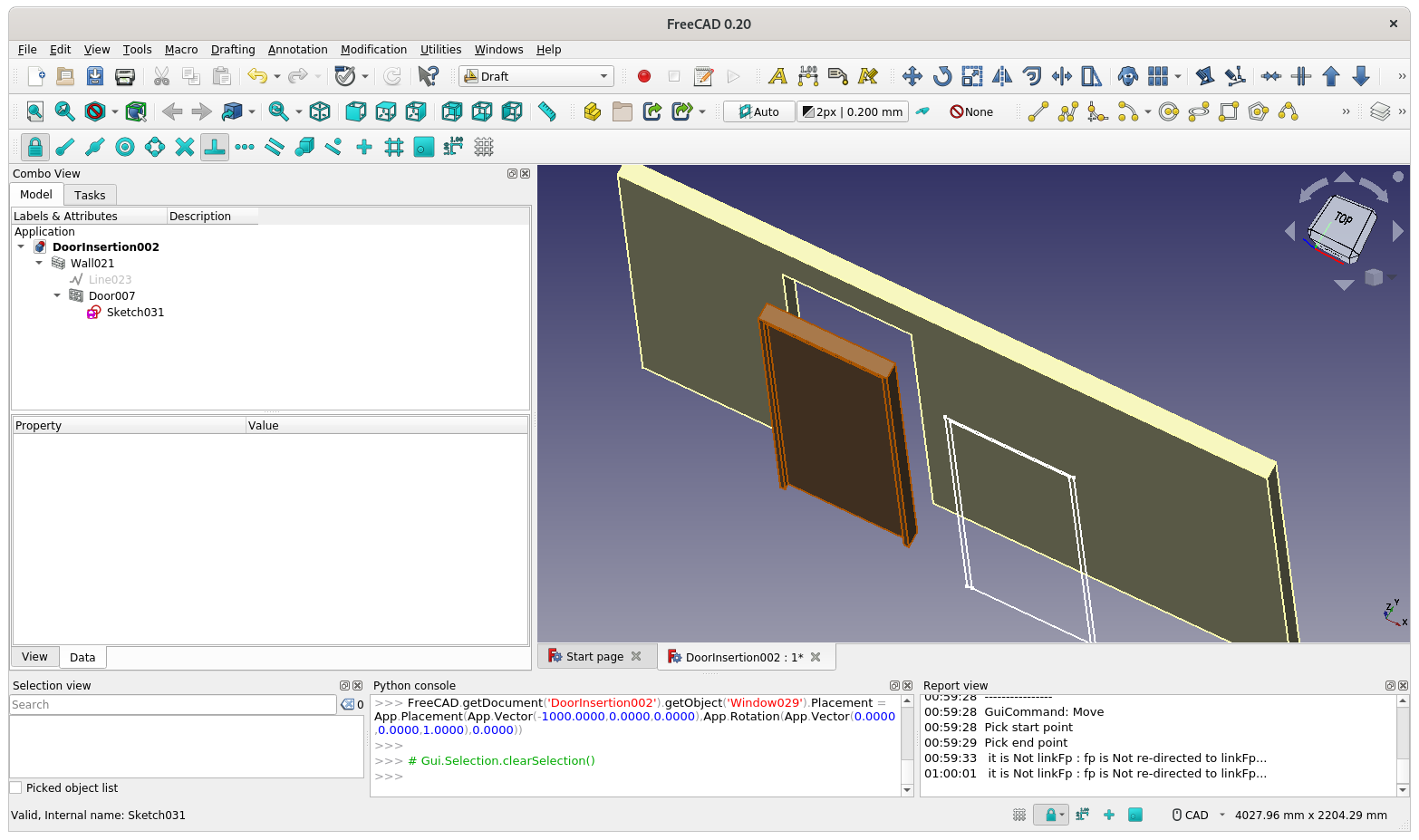
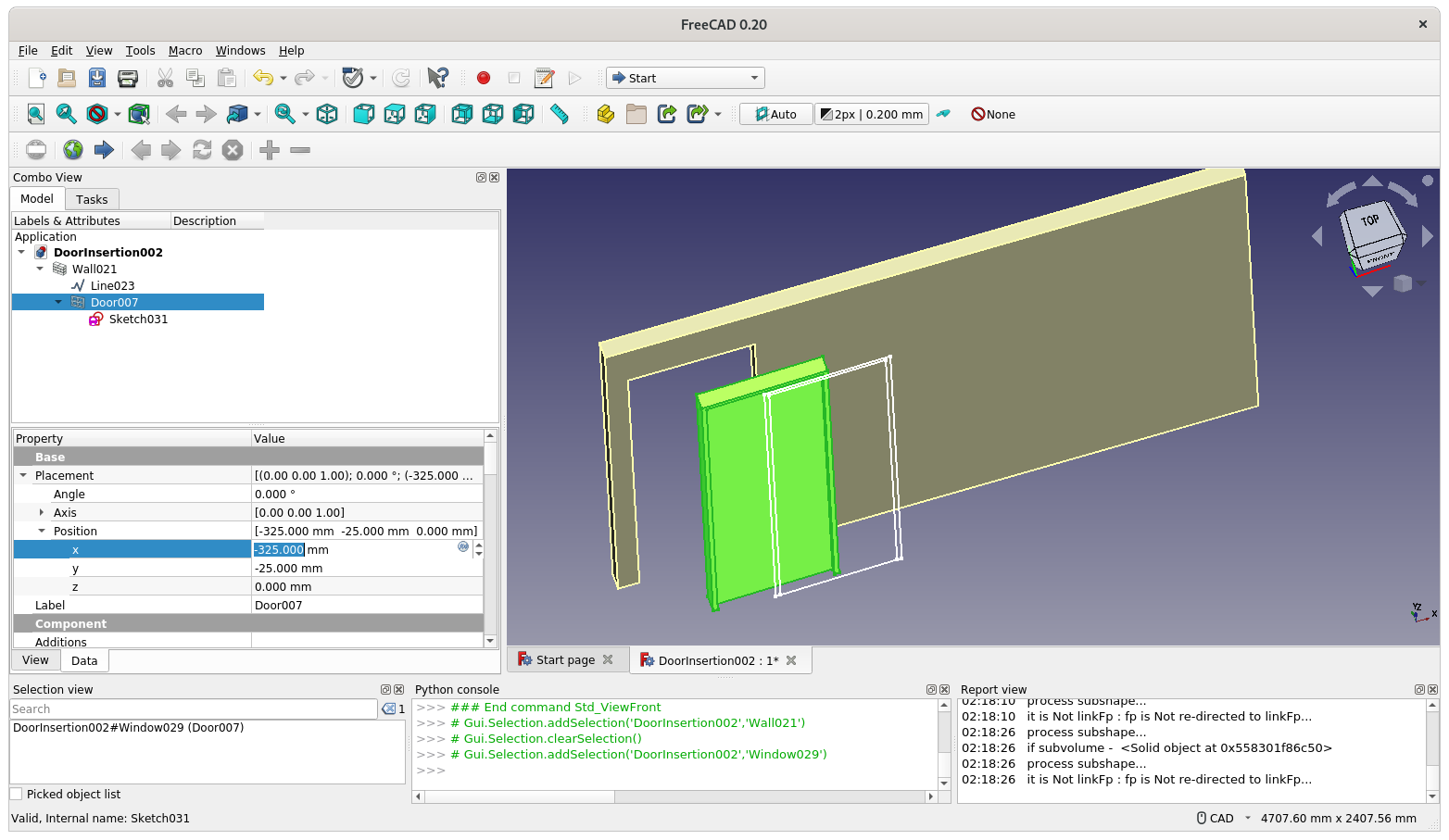
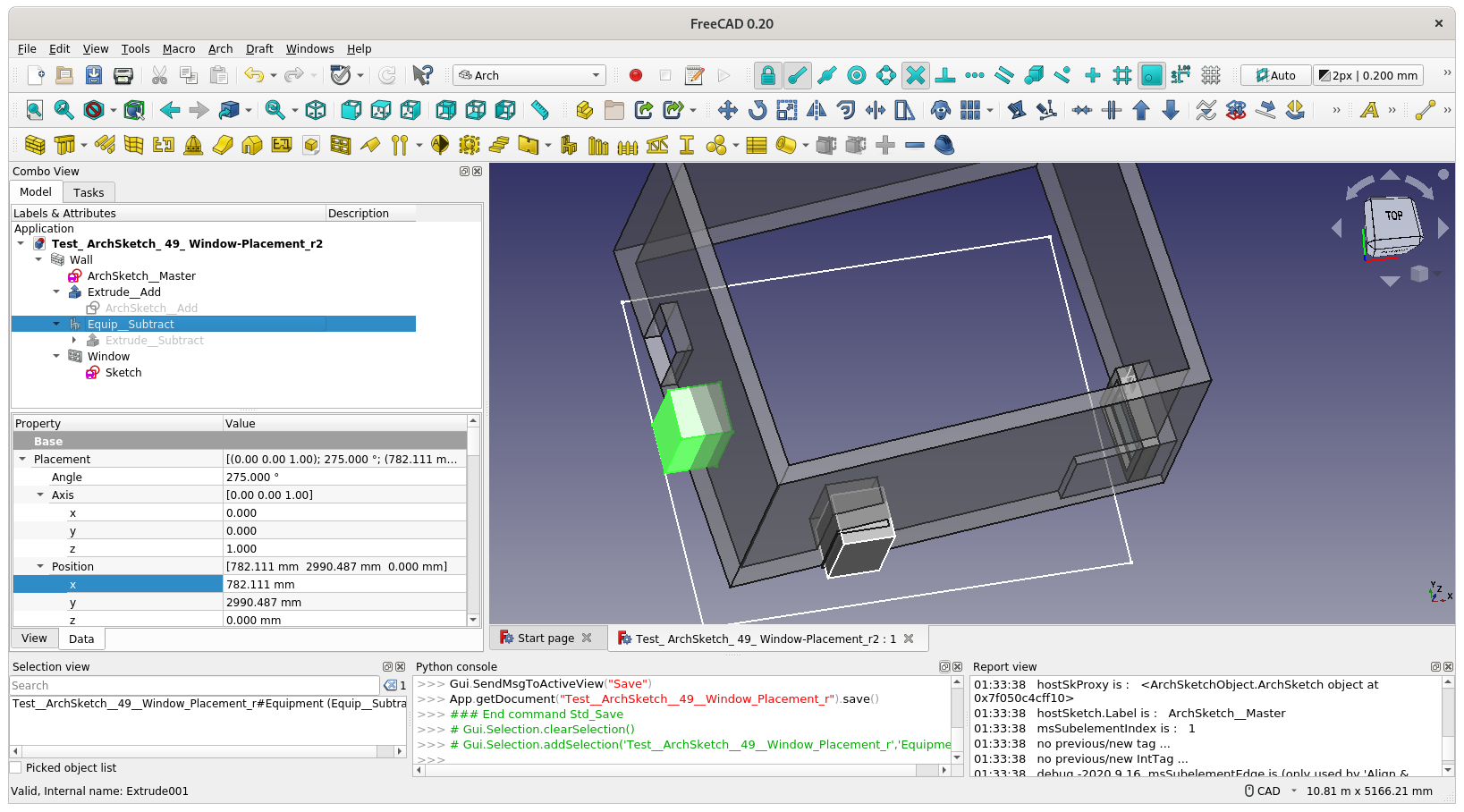
Can someone explain why sometimes when I Draft/Arch/Bim Move a Window or Door it becomes disconnected from the opening in its Host wall? The attached file DoorInsertion002.FCStd demonstrates my problem. The door is currently not in the Wall opening, and moving it further along the Wall makes the situation worse. Try it.
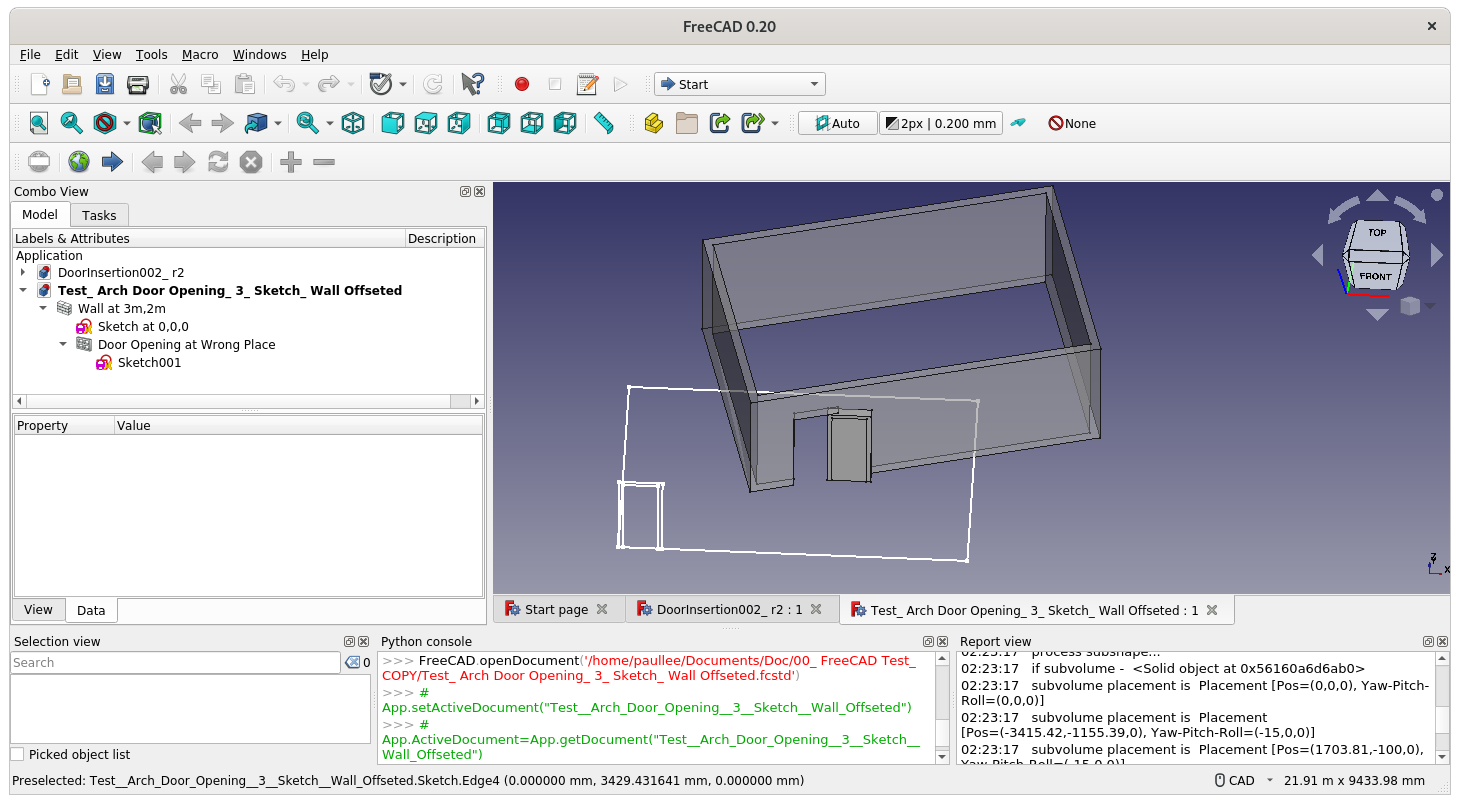
The file was extracted from a larger project by copy and paste and for another reason that I don’t understand the Line on which the Wall was built is now distant from the Wall. That is an aberration of the copy and paste as it is correctly positioned in the original. In any case it doesn’t seem to have had any effect on the failure of the Wall opening to move in unison with the Door.
Ok, create always from scratch can do the job, but it’s a workaround, because as you know moving Doors and Windows should work properly in a BIM WB, and not a nightmare like it is now.
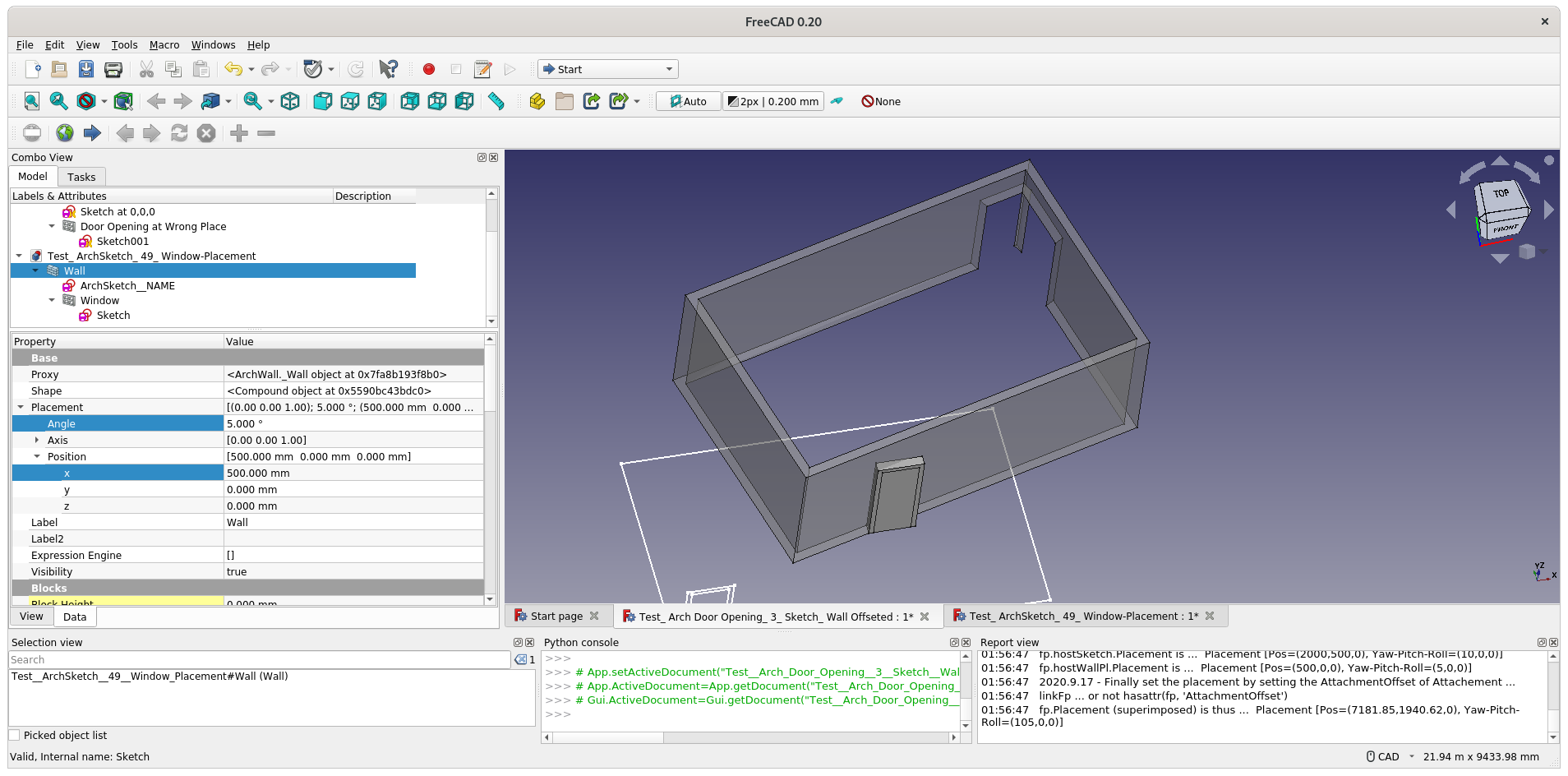
It seems there is a bug here … (the opening go in opposite direction with the Wall object is rotated around Z-axis by 180 deg). Anyone like to fix this ?
Maybe people can suggest workflow in the meantime
Say, build ArchWall based on DraftLine at correct position, do not move the Wall afterward.
Thank you all for your replies.
I acknowledge that many versions back the whole building of which this wall is just one small part was rotated through 180 degrees, and it would seem that this is the cause of the problem.
From a user perspective I submit that rotation is a pretty fundamental operation that shouldn’t have unintended consequences.
Thank you Roy for your comprehensive step by step workaround. I have a whole building with many walls, some rotated (historically), some not and some containing many features. I hope that someone will take the necessary steps to fix this apparent bug as confused and frustrated users don’t help the aspirations of the developers.
yorik and all the arch programmers did a great job in my opinion. so as not to give the impression that freecad is half finished, i will say that freecad as it is now is very good for commercial use. you should be well trained and know freecad well, then “everything” is possible. easy and fast. I really enjoy working with it.
Trying to understand how the bug is created and digging through ArchWall.py, ArchComponent.py, ArchWindow.py.
Not understand in ArchComponent.py why the object’s attribute Placement seems would be changed by a method itself …
                        if not self.isIdentity(placement):
                            obj.Placement = placement
                        else:
                            obj.Placement = p
starting from line 919 of ArchComponent.py
                        p = self.spread(obj,shape,placement).Placement.copy() # for some reason this gets zeroed in next line
                        obj.Shape = self.spread(obj,shape,placement)
                        if not self.isIdentity(placement):
                            obj.Placement = placement
                        else:
                            obj.Placement = p
                    else:
                        if allownosolid:
                            obj.Shape = self.spread(obj,shape,placement)
                            if not self.isIdentity(placement):
                                obj.Placement = placement
                        else:
                            FreeCAD.Console.PrintWarning(obj.Label + " " + translate("Arch","has no solid")+"\n")
                else:
                    if allowinvalid:
                        obj.Shape = self.spread(obj,shape,placement)
                        if not self.isIdentity(placement):
                            obj.Placement = placement
I was experimenting with ArchComponent.py a month ago in relation to some other issues (structure, pipe, computeAreas). A project I have put on the side-burner for now (because it’s quite complex in general). But my experimental version of the code does solve the OP’s issue. I’ll try to dissect the relevant bits later. ArchComponent.py (95.4 KB)
In some cases a copied shape will have a Placement that is not the same as its original. Manipulations based on the Placement will then lead to faulty results. Using transformShape instead avoids this. But I have yet to check if this is the case here.
Just try to compare if there is any significant difference in time, seems both 5000 routine spend about somthing slightly more than 5s.
w=Gui.Selection.getSelection()[0] # window
wl=Gui.Selection.getSelection()[0] # wall

for i in range(0,5000):
  ws=w.Proxy.getSubVolume(w)
  wlpi=FreeCAD.Placement().multiply(wl.Placement.inverse()).multiply(w.Placement)
  ws.Placement=wlpi
for i in range(0,5000):
  ws=w.Proxy.getSubVolume(w)
  inv_matrix = wl.Placement.Matrix.inverse()
  ws.transformShape(inv_matrix)
Thanks. I understand the multiplication of placement is not ‘commutative’ in mathematics sense - so multiplication needs to be in the particular order of successive placement manipulation.
And further examining other Additions / Subtraction cases, and the bug seems exist. It can be shown that only Window object (getSubVolume) works correctly.