I need minimize and close icons for dock widgets. Minimize can be green, close can be red. Thanks for help.
Hi, sure.
For Close there is already an icon in red. I recommend to use this: https://wiki.freecadweb.org/File:Edit_Cancel.svg
For minimize icon I found a full screen icon. Therefore, the minimize icon should be the opposite direction of arrows (to keep consistence). I adapted the icon for this purpose:


Let me know what do you think.


Looks good  thanks
I’m sorry, because the enlarged version looks really great. However, in the real size versions the arrows are hardly recognizable, it looks more like a Hilbert curve.
Well. It is the same with the original FullScreen icon. But even if the arrows are not so clear for both cases, the icons themselves can be recognizable between others.
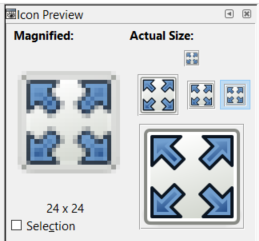
It’s not look bad.
https://forum.freecadweb.org/viewtopic.php?f=34&t=44937&start=120#p388130
2 considerations:
- may I suggest to use the pin/unpin symbol? I think the current looks like a maximize/fullscreen button
- i think those two icons should be grayscale, because they are not FreeCAD commads
I think the idea of @carlopav is better. why don’t you try these icons in gray?
Pin_Unpin_Px_Icon.zip (5.24 KB)
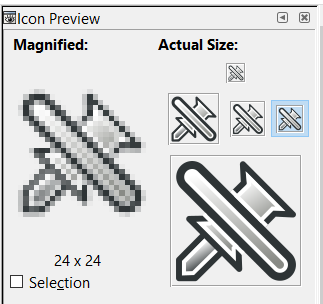
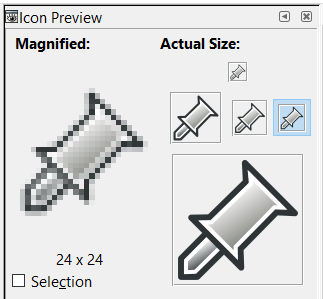
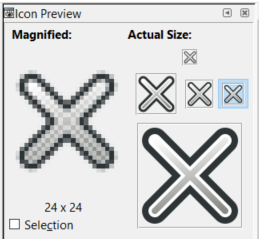
Look at that
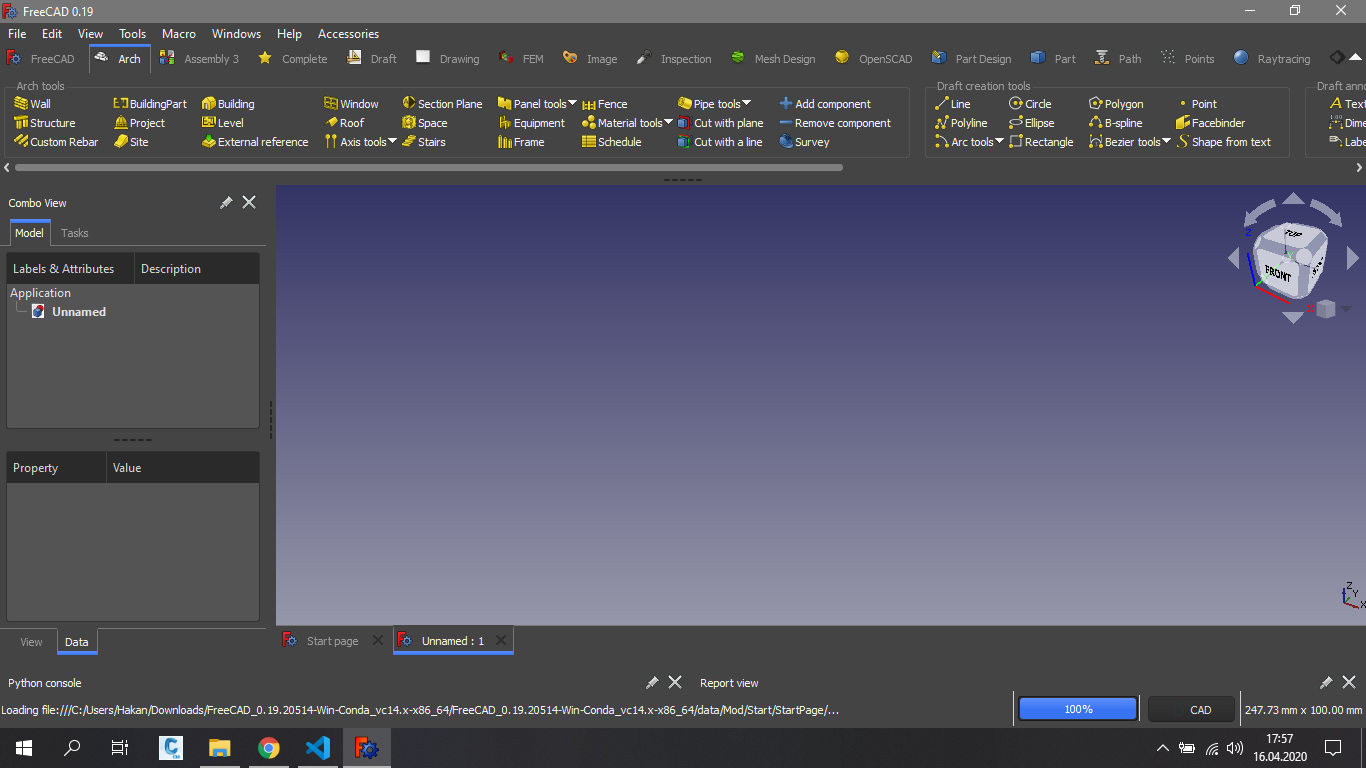
Good!
definitely good! thanks guys!
Hi. Can you create a icon for Modern UI to show in addon manager? I don’t have any idea for design.
Sure. What about a ribbon in a window…


Your icon style but like shape of m.
here…


İt looks amazing  can you change the ribbon back side color? Front side can be orange and back side a different color. Maybe green or other color you like


Nice I will use this. Thanks