I guess it should be removed already:
https://github.com/looooo/freecad-feedstock/blob/master/recipe/build.sh#L46
Downloading … drum roll … it starts again! Thank you!
Sketcher, PartDesign, Part, Draft, TechDraw looking good!
I detected a minor and a major point:
- Minor: The name of the program in the menu is NAME_STRING_FROM_CMAKE
- Major: Path workbench does not start. Error popup says "No module named ‘numpy’ "; message in report view:
No module named 'numpy'
Traceback (most recent call last):
  File "<string>", line 74, in Initialize
  File "/Users/cb/Desktop/FreeCAD.app/Contents/Resources/Mod/Path/PathCommands.py", line 30, in <module>
    from PathScripts.PathUtils import loopdetect
  File "/Users/cb/Desktop/FreeCAD.app/Contents/Resources/Mod/Path/PathScripts/PathUtils.py", line 33, in <module>
    import numpy
OS: macOS 10.13
Word size of OS: 64-bit
Word size of FreeCAD: 64-bit
Version: 0.18.16087 (Git)
Build type: Release
Branch: master
Hash: ec86db4bfbb1f7e165d0620cb4d85c2b9beb36bc
Python version: 3.7.1
Qt version: 5.6.2
Coin version: 4.0.0a
OCC version: 7.3.0
Locale: English/UnitedStates (en_US)
thanks for testing.
hmm, no idea.
This should be solvable. So this seems to be the reason why tests were failing for me:
https://forum.freecadweb.org/viewtopic.php?f=4&t=31994&start=50#p292144
I will come up with a new build as soon as possible. If you detect any further problems please report. (fem, netgen, calculix should theoretically work, but one never knows…)
Thanks looo!
It’s working, I’ll test it out and let you know how it works 
I updated the package on my dropbox. It has now six and numpy included. The tests should work.
A fem analysis didn’t work for me because of:
[Errno 13] Permission denied: ''SolidMaterial has empty References.
SolidMaterial has empty References.
But calculix is available:
>>> import subprocess as sub
>>> proc = sub.Popen(["which", "ccx"], stdout=sub.PIPE)
>>> proc.communicate()
(b'/Users/lo/FreeCAD.app/Contents/Resources/bin/ccx\n', None)
I see. The package seems large, I will download the .dmg and see if I can see anything obvious.
It had this size since long:
14561 - 352MB
14701 - 353MB
15310 - 310MB
15525 - 524MB (seems to be a glitch)
16087 - 358MB
Path is working now ! And everything else tested before .
Thank you very very much, looo!
It remains the very minor issue with the program name. It looks as if the dereferencing $ of an (environment-)variable is missing. However, if I should decide what to dispense from the whole program, it might well be that menu entry name.
I updated the script to put this information into the “Info.plist”. So this should now be FreeCAD-{{ version }}-{{ revision }}
Also I added pyyaml which is needed for some libraries. Size is now 377mb
So again please try:
https://www.dropbox.com/sh/tcpg7xrvjdun1wa/AACORZUqJeKs1Yws1Bt5Oteia?dl=0
_Every_thing ok now.

Hi All,
Doing a little testing on the latest version, a couple of bits of feedback:
-
There doesn’t seem to be any spacenavigator 3D mouse support.
-
As others have said, the freezing issue is still there. Interestingly, if I show the package contents, then run the executable there is no freezing (I remember someone else mentioning this before). Running from terminal with open -a still gives freezing though.
Thanks for your builds I do appreciate you effort on this!
Cheers
Leon
Just to add, a simple method for launching from terminal is the command:
/Applications/FreeCAD.app/Contents/MacOS/FreeCAD
Which runs without any freezing.
Yes, I guess the bundle must be signed to get accepted… Maybe someone has time for some research…
As you may know, you either have to disable 10.14 security completely (need to do that at start) or you can CTRL-Click → open and accept to run it. Only application published on the Mac Appstore can be signed (you have to register as developper and will get a certificate).
Meanwhile, I downloaded the last build from dropbox and it works. High resolution looks nice!
There is still an issue with Draft and Sketcher workbenches when you use scaled (retina) resolution: in the draft workbench you can’t get the handles (there is bug open for that) and in the sketcher bench, the selection rectangle is not located at the right position.
Same behaviour in 0.17.
QT supports the different resolution quite well, but it is not yet perfect: when you switch while the application is open. A simple relaunch fixes the toolbars.
Generally, the 3D viewport doesn’t like scaled resolutions on MacOS.
How can I attach the videos showing the issue?

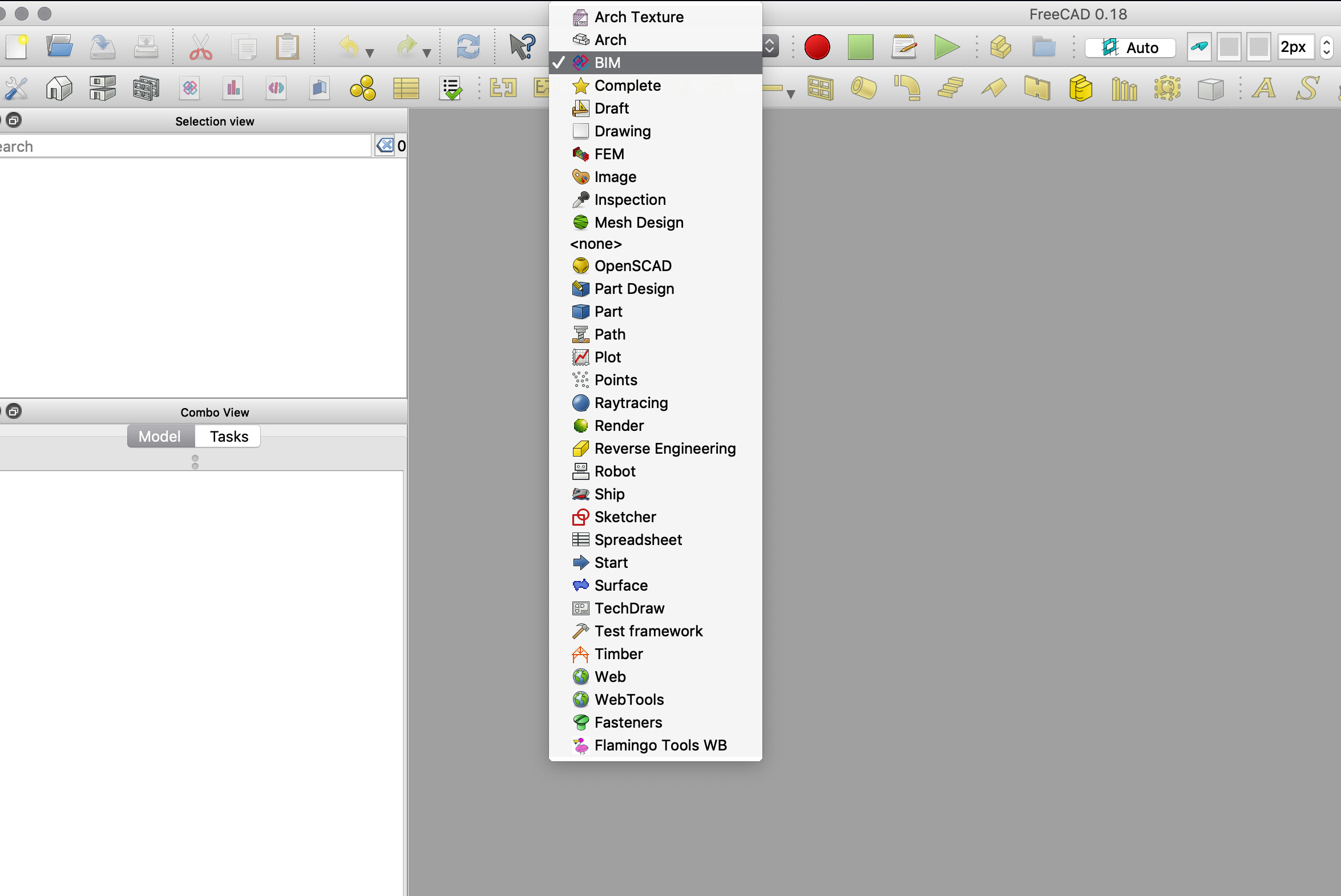
Another issue: is the Timber workbench working for yo?
Mine is broken. It works with 0.17.
Yes this problem is there. But despite the bright rectangular is way off the selection works.
it is not nice but workable. When releasing the mouse button you see the selection lines and dots are green.
Indeed it works. This is fine, but have you tried the draft workbench? You can’t select any node of an object. In that case, it is unusable.
My point was that scaled resolution is not properly supported/implemented in the 3D view currently.