Part makeCompound
Ar… thanks. I know Part makeCompound, but not aware of Create Simple Copy
It helps.
Testing output to IFC below objects -
Objects to IFCExport
Draft Dimension
Draft Label
Draft Text
Part 2d Dump Object (compound) of a Bed
Link to above Part 2d Object
Result
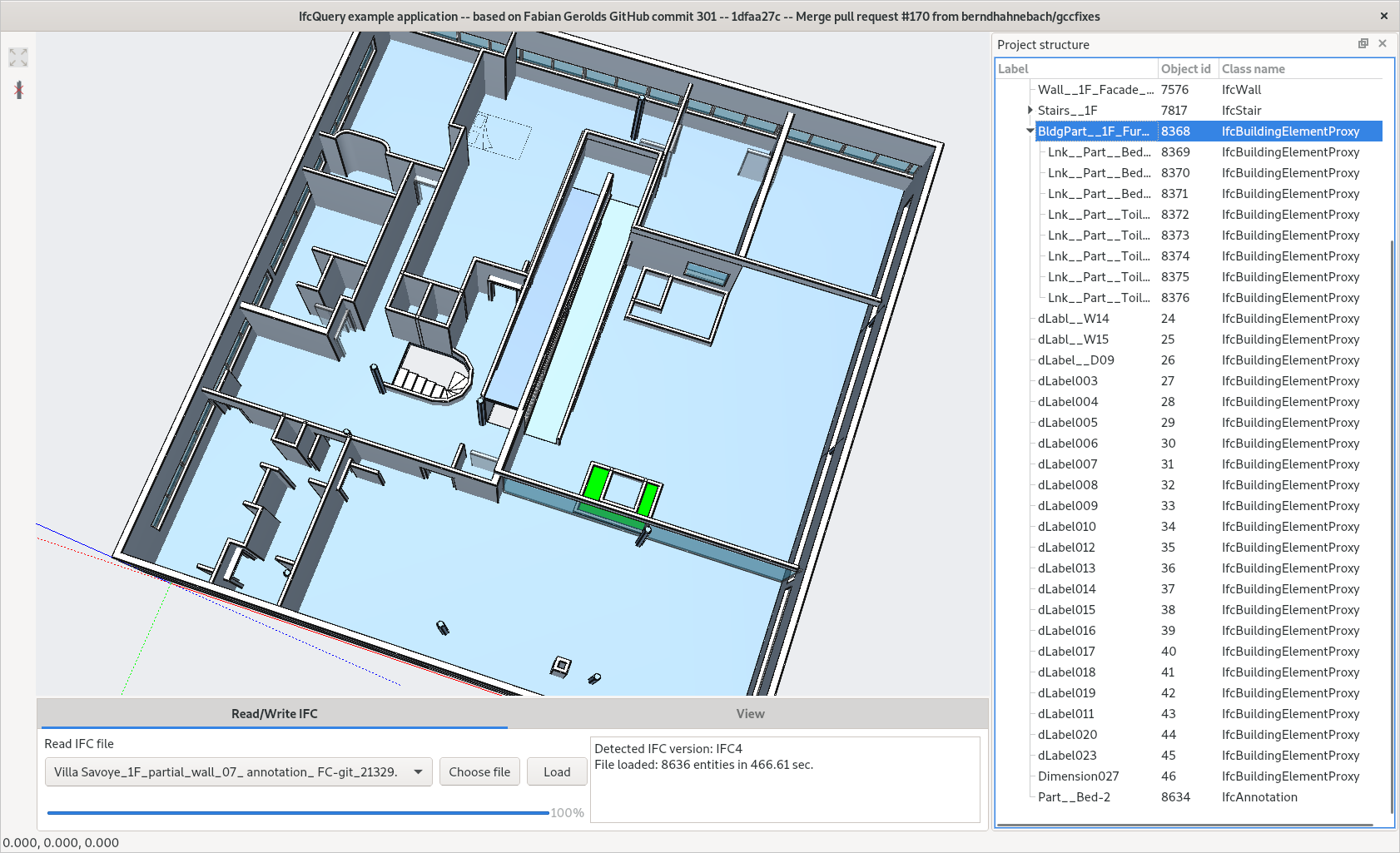
Almost none of the objects are visible (in both IFC++ or BIMServer)
Part 2d Dump Object (compound) of the Bed barely visible in IFC++
Most objects name found in tree view of IFC++
Link of Part 2d Object (bed) not found in tree view of BIMServer
Model - Github and User Showcase
[ Architecture Masterpiece ] Villa Savoye FC Model Model in Github
Villa Savoye_1F_partial_wall_07_ annotation_ FC-git_21329.ifc (359 KB)
hi @realthunder ! just impressed by your post, you are doing a crazy amount of work.
I thought what you are describing here maybe has something to do with this topic. Do I misunderstand it?
GD&T
Using the same 3D label above, implement GD&T support in Part workbench, with STEP import/export.
TechDraw next gen
I know there are a lot going on in current TechDraw development, so the plan for a next gen TechDraw of mine is not settled yet.
Nevertheless, here is my idea, which is quite different from what the current TechDraw is doing. I plan to reuse the 3D rendering for 2D purpose, coupled with the new 3D label I planned. The user can simply attach labels in 3D view, and then create one or more dynamic viewport in the draw sheet with proper drawing style (such as my hidden line style ), and use it as 2D view. This is not only a workaround of the problematic OCC projection API, but is also much faster. My rendering rework will make it easy and efficient to render the same scene in different views and use the result as texture/image for various purpose. You can easily achieve effects in those SolidWorks TechDraw video, such as color rendering, live rotate/slice and drag to create a new view, etc. Plus, there is no need to create yet another geometry object system, like what the current TechDraw is doing.
But of course, projection will be used eventually, in various other places too, not limiting to TechDraw. I plan to work on that as well, at least make it work with my topo naming scheme.
Yes, it is related. And I have read this thread before, but didn’t follow through. I’ll revisit it once I decide to start on this. Or maybe at that time, you guys may already have something I can use right away.
Yes, it is related. And I have read this thread before, but didn’t follow through. I’ll revisit it once I decide to start on this. Or maybe at that time, you guys may already have something I can use right away.
Great, well… I think this is something really needed…
At the moment i’ve been only playing around with the Arch_SectionPlane tool, but I feel this is just a workaround missing some solid basis:https://youtu.be/mY_wDueiBTE
regis
August 31, 2020, 1:05pm
87
Yes, it is related. And I have read this thread before, but didn’t follow through. I’ll revisit it once I decide to start on this. Or maybe at that time, you guys may already have something I can use right away.
Great, well… I think this is something really needed…
At the moment i’ve been only playing around with the Arch_SectionPlane tool, but I feel this is just a workaround missing some solid basis:https://youtu.be/mY_wDueiBTE
This is wicked amazing. Thanks for this improvement.