Hi, sorry that my posts were confusing. I’ll try to answer your questions/points in reverse order.
No one else seemed interested in my ideas, so it’s possible i’m doing it all wrong  oh well. I’m just having fun and learning.
-
Ogre 3d or FreeCAD?
Just took a quick look at Ogre3d. Looks interesting. My understanding is it mesh based, with the exception of “Biquadric Bezier patches for curved surfaces”. So they could definitely use your help 
FreeCAD is a parametric brep modeler. For an engineer interested in ‘water tight’ models and ‘analytic’ surfaces, FreeCAD is a better starting point by leaps and bounds.
-
What FreeCAD has already.
FreeCAD is NURBS at the core already, but more UI tools are needed. NURBS is the only current valid way to do free form modeling for engineering. The other way, subdivision surfaces, uses b splines (URBS), but hides them from the user. Subdivision is good enough for animation and movies, but cannot produce ‘class A’ surfaces.
NURBS in FreeCAD come from Open Cascade, which is the geometry kernel the application uses at its core. The developers have already given complete access to the basic NURBS entity through python bindings (this is what i used to make the pictures i posted before). They have also implemented/linked many of the standard tools to manipulate NURBS, but not all of them.
Here are some tools FreeCAD has:
Draft workbench:
-planar b splines
-planar bezier splines
(you can then extrude them, revolve them, etc)
Part workbench:
-ruled surface (join any two edges with a surface)
-sweep (drag a profile along a path)
-loft (make a surface that goes through a series of profiles)
-build surface from edges (found in Part menu > shape builder)
(there are more all over the place, for example, the fillet tool)
Open Cascade has even more advanced tools available, but not all of them have been bound to python or added to the UI (i think?)
Something many people have been asking for is “loft with guiding rails”. This is to say: instead of just passing through all profiles, i also want to control the shape from profile TO profile.
As you mentioned before, forum user Balazs seemed to be about to implement ‘everything and the kitchen sink’ but then his thread died down.
- what have i done? I’m just tinkering with python in my very limited time.
Using the existing python bindings, i made a few ‘prototypes’ of UI functions i would like:
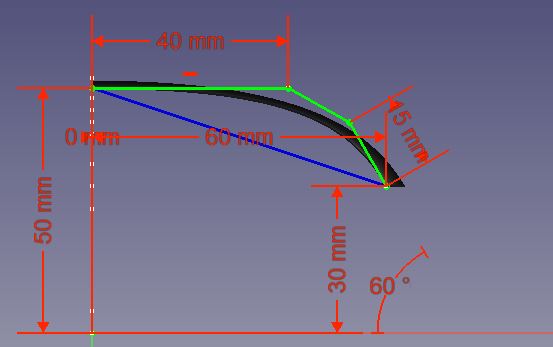
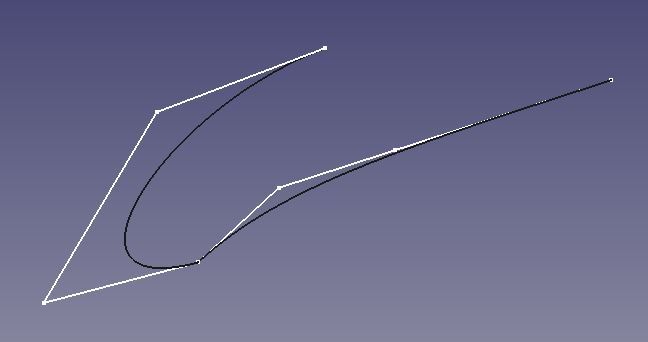
-pick 4 points on a sketch > create a cubic bezier curve (pinned degree 3 NURBS)
-pick an arc (pinned degree 2 NURBS) > convert to degree 3 by using built in function ‘increaseDegree()’
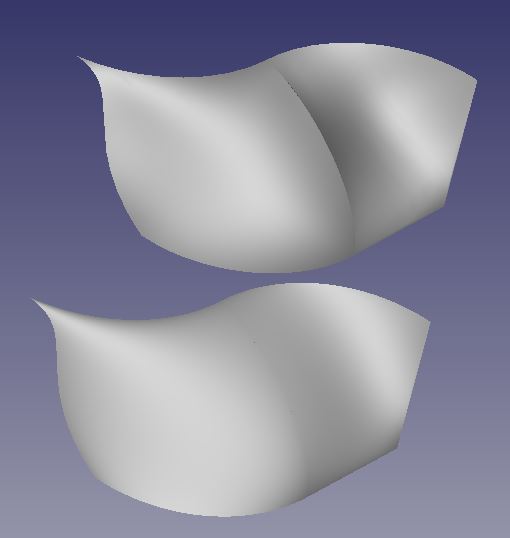
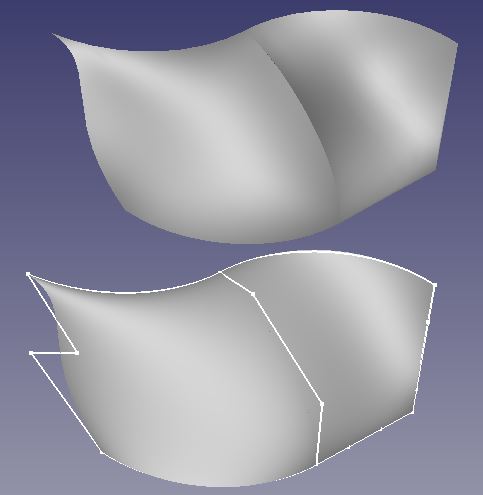
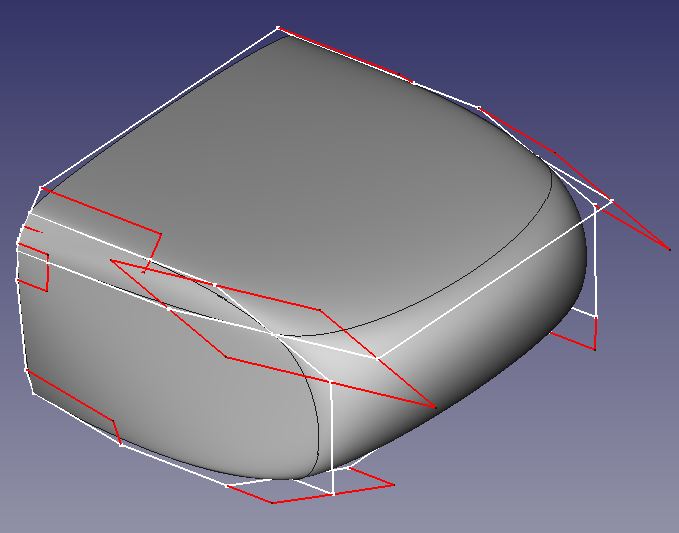
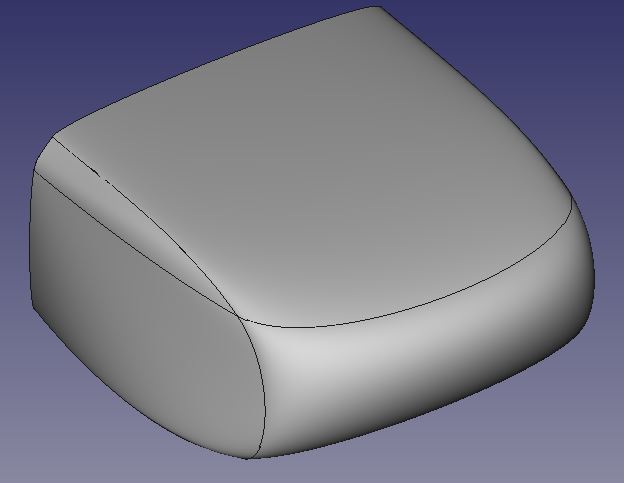
-pick 4 bezier curves that form a loop > make a surface that follows the tangents of the curves.
I made my own bezier curves instead of using the Draft workbench version because i wanted to get familiar and understand the innards. The surface tool can be adapted to use any bezier made by any workbench
By making everything degree 3, i can use straight lines, arcs, parabolas, ellipses, hyperbolas, and ‘real’ cubic beziers as edges in the same surface. this work is not 100% complete though, i need to fix weights for arcs.
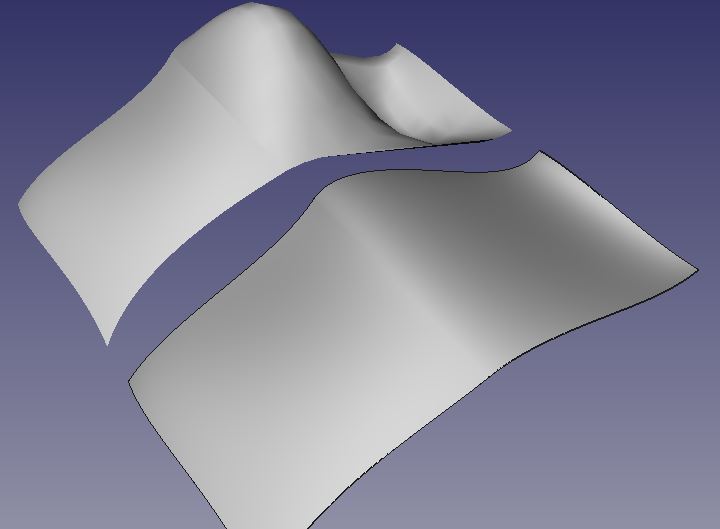
By using the tangents at the corners of the curves to define the surface, i can make one piece by itself. Later i can make another piece right next to it, and if i set the new curves tangent to the first piece, the transition is always smooth (G1). If i make the curve/curve junction even smoother, the surface junction will be even smoother.
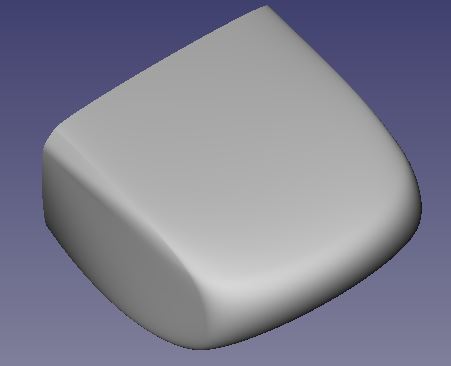
This is my way of doing what i thought the ‘shape builder tool’ would do, but doesn’t. (compare the two surface in the first picture of my first reply)
This framework also gives me “loft with guiding rails” capability, but limited to cubic curves, and very labor intensive.
the workflow: sketch > curve > surface > shell is pretty common, and i like it.
What i’ll do is finish these tools for cubic, and then come back and expand them for degree 4…then degree 5…then all other degrees.