I have two parts that I want to constrain using “Attachment”
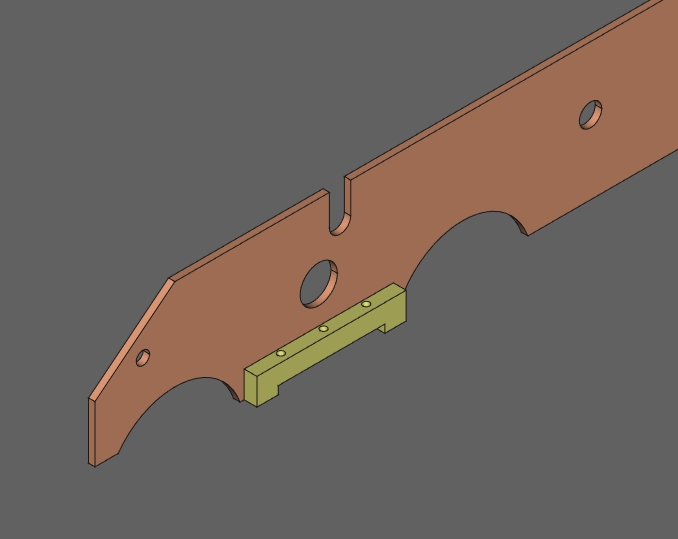
I select both:
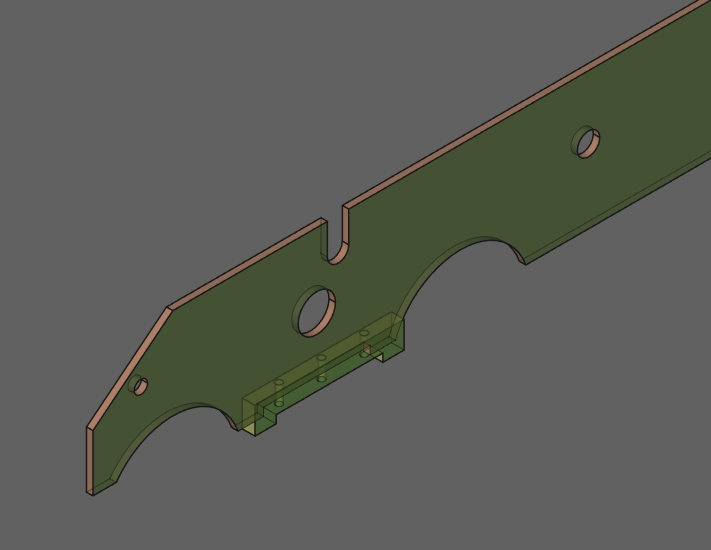
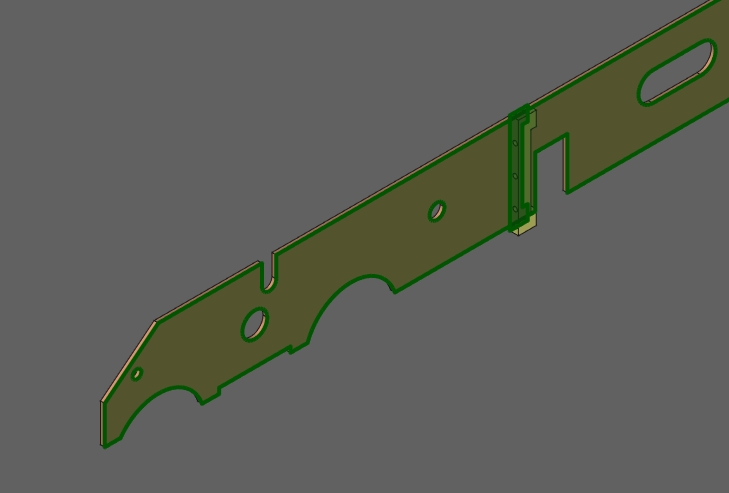
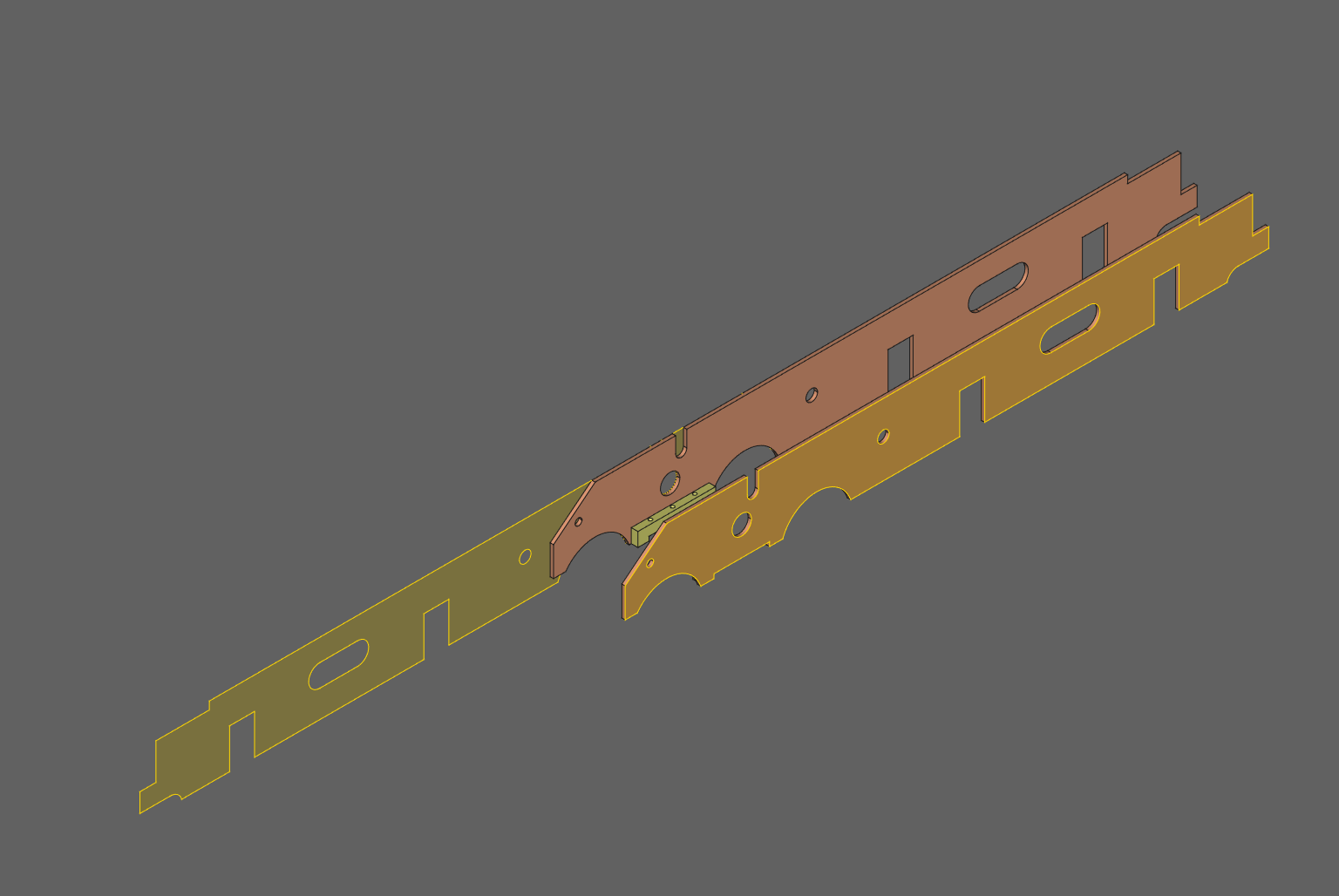
and click on “Attachment constraint” and… things go funny/weird :
If I select two parts in different order, it is the same (apart from different part moving )
Why is it happennig? (or what am I doing wrong?)
What can I do to correct it? please
OS: Windows 10 Version 1909
Word size of OS: 64-bit
Word size of FreeCAD: 64-bit
Version: 2021.412.24301 +3461 (Git)
Build type: Release
Branch: LinkStage3
Hash: 86b851cf40e8f6999c1b8eec267d5e48207cf376
Python version: 3.8.6+
Qt version: 5.15.2
Coin version: 4.0.1
OCC version: 7.5.0
Locale: English/United Kingdom (en_GB)
Hello,
see the page below at Attachment constraint, I added some explanations. Maybe they will be enough? http://help-freecad-jpg87.fr/020_ass_outils_contr.php
NB: if you cannot position your part correctly with the settings, remove the Attachment constraint and replace it with more traditional constraints.
I am keen to use “Attachment” constraint for all the bodies that are static and fixed in relation to each other, simply because it is easier on the solver?
So, in this example I start by “Locking” one (base) part and use “Attachment” for all the related parts.
I will try experimenting with it
Very frustrating…
(it is possible that my model might be corrupted? it has a long history )
Yes, something weird is going on with shapebinder
Two faces out of one body?
It must be to do with the fact that one of the two frames (RH) is the link to original (LH).
Originally one was mirror image of the other, but I tried to do things Assembly 3 way (i.e. using link)
I am making progress in understanding of my errors.
Spurred on by your comments in some previous post (quoted above),
I have tried to avoid using mirror copies (which I had used previously),
and this (it seems) is the source of some of my problems
I can do Attachment constraints OK now
(it was, it seems, related to another problem, I have now rectified),
but I was still not happy with mirror bodies.
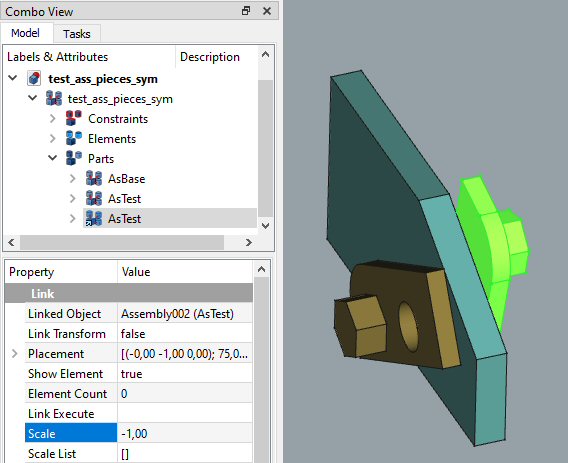
I totally couldn’t understand this scale business - now it is all clear thank you!
This is the easiest and neatest method - I like it, but…
not sure about realthunder’s comment about “further modelling”
I have tried to follow his suggestion of creating new body with base element etc.
Result (bit messy with 3 bodies to get the result) in attached file - would appreciate your comments, please. link(mirror).FCStd (34 KB)
Well, I am glad that is not just me
I see what you have done, but … have you tried elements and constraints ?
I think you will find it is a problem, because of what realthunder explains:
…Part Mirror (or any Part feature for that matter), will take account the child feature placement, and adds its own placement on top of it. So even if you move out the assembly as shown in the above screen cast, your assembly will not work. Because moving the non-mirrored body will indirectly move the mirror as well, which will confuse solver for sure…
and that was my experience as well
Another (probably much bigger) question I have:
what about mirroring assemblies in Assembly 3.
I have a whole bunch of bodies that I would prefer to assemble on LH side (for example) and than mirror the whole assembly, rather than going through rigmarole of mirroring every individual body and assembling separately on both sides
I don’t even know if it is possible?
P.S.
I should probably change the title of this thread, so it is more descriptive of what we are discussing?
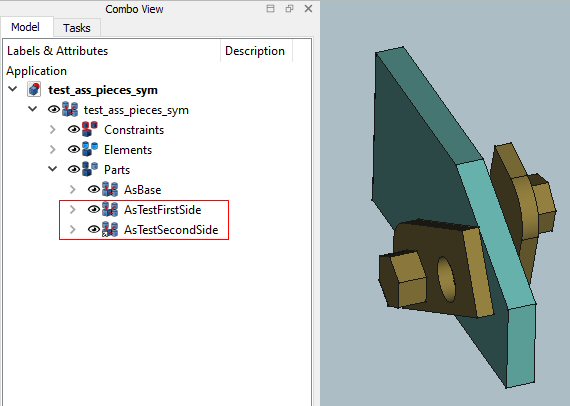
the first one test_ass_pieces_sym.FCStd (where you use link at scale=-1) is the cleanest one and my preferred one, although I tend to rename things so that they are less confusing
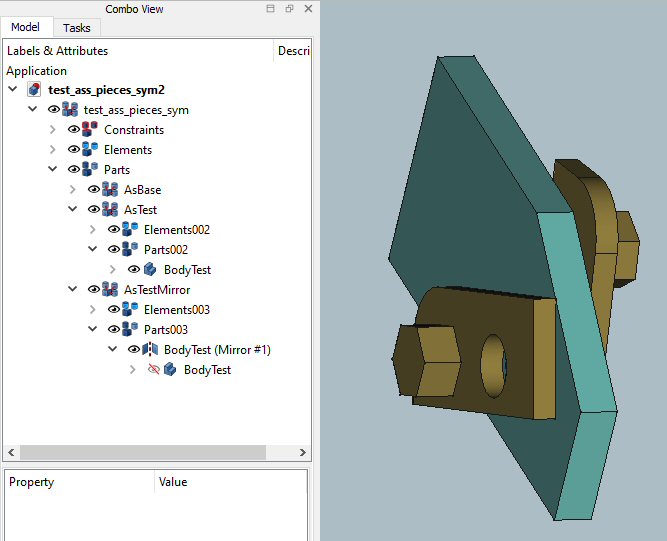
the second one test_ass_pieces_sym2.FCStd (where you Part mirror before using body in assembly) is very messy (to my mind) with having to use three bodies for each mirrored pair, and whilst manageable for simple three part assembly, it would be challenging for my designs where there are very many mirrored parts.
Plus, I remain concerned about realthunder’s comment (and why does he say so?):
…It’s usually not a good idea to mix Part and PartDesign feature, especially when coupled with asm3 here…
 :
:
 )
)



 thank you!