Hey, may i´m stupid but i´m not able to make the gcode for a simple model.
Eckhalterung-double.FCStd (42 KB)
I’ve checked your file, nothing to worry about.
-
The simple but not optimized way to extract the G-Code is to select the machining operation in the tree view and click on “Inspect G-Code”, from there you can copy the pseudo-G-Code (it’s called that way because it only contains the geometric data) and adapt it to your intended machine. Advanced FreeCAD contributors would be livid if you did that after all their hardwork for post-processing.
-
The better way to do it is to Post-process your G-code. You can just press on “post-process the selected job” and Freecad will ask you for a file name and directory. It will then output the code with the currently selected post-processor (Centroid) in your case.
Steps are as follows in the screenshot: 0.Select the post processor of your choice, 1. Select the job, 2. Press post-process, 3. select the right directory and a filename of your choice.
Attached, please find the post-processed code for your file.
TEST-Output.txt (15.3 KB)

Hello,
thank you for helping.
The problem is that i can not get this one.

Good evening,
Sorry, your request was not immediately clear to me. Have you tried using a smaller tool diameter? Unfortunately i cannot run the program tonight to check with you.
If the problem persists I’ll help tomorrow.
Hello,
thanks for this. i just tried with 2.3mm and now i tried with 1mm. This works.
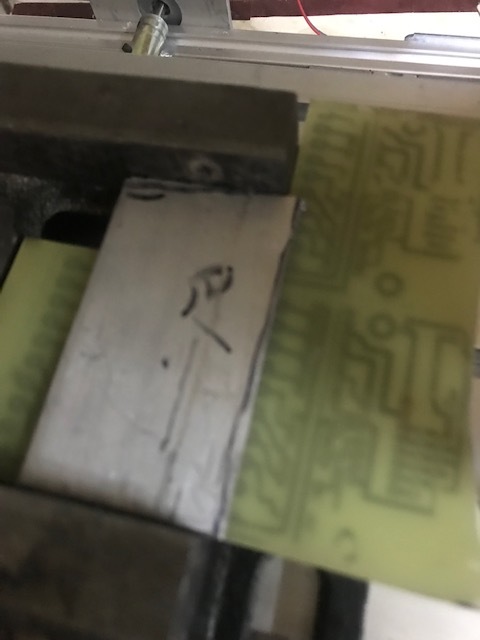
Finaly i just want to make the hole side straid. But this dont work. on they other side i have fixing so i can not surounding.
Great!
Unfortunately your second request is again unclear to me. I seems that you want to machine an existing part but you do not want to perform a contouring path due to conflicting existing features. Is that correct?
Either way we will need more detailed descriptions of what you want to achieve and your constraints to help you better.
Looks like a cool little project. 3D printer?
Finaly i just want to make this side straight.
Thanks

You have two options, one is you can use the operation Deburr which allows you to specify a single edge for processing and an offset from that edge. It’s a bit tricky but if you search this forum you’ll find pointers on how to do it.
The other option is to upgrade to the very latest development branch. A feature was merged yesterday which allows you to add “Extensions” to PocketShape operations. With that you can make that little socket wide enough so Path generates a path for it.
Ok. Thank you for your help.
Sorry, both ways i didnt succeed. I just copy the G-Code into to the machine and did it manual