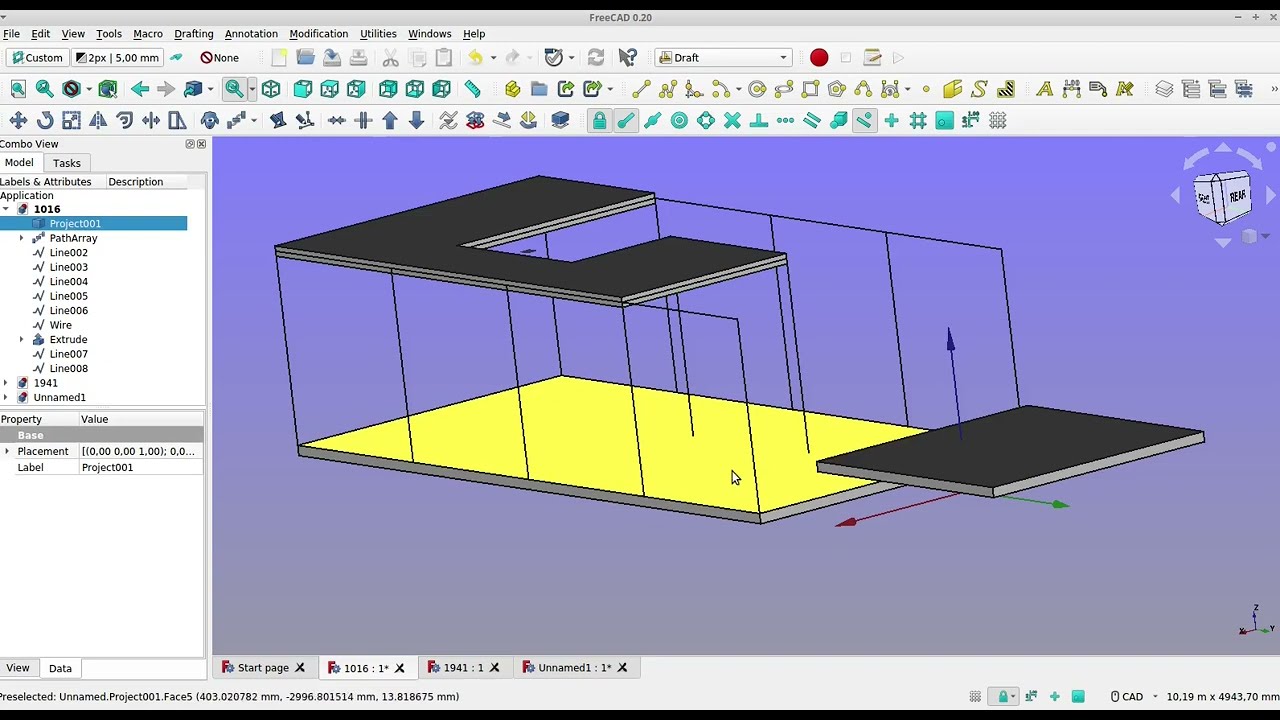
in this video you will see how the architect creates a modell from the static information, which he sends to the electrician as an ifc. the electrician creates an ifc file with the cables, sockets, etc.
then the two ifc files (from the architect and from the electrician) are merged into an ifc-bim model. for approval meetings, collision checks, etc
because it is very complicated to work together on a bim with many frequently changing companies with attributes, i suggest working with colors. that is very compatible and intuitive
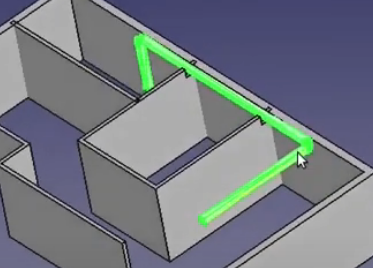
here the difference between 220v blue and 380v red
here is an example of heating planning in the bim process. if you have skilfully saved the heating models (at the right height, standing and in the middle above the origin) you can quickly place the heating “hanging on the mouse” with move.
for tendering and billing, e.g. door lists are required.
in the bim process, however, you don’t want separate files that could be mixed up or contain old information. everything should be contained in the ifc file.
instead of working with ifc attributes, which are often incompatible, one could write the required information in the part names.
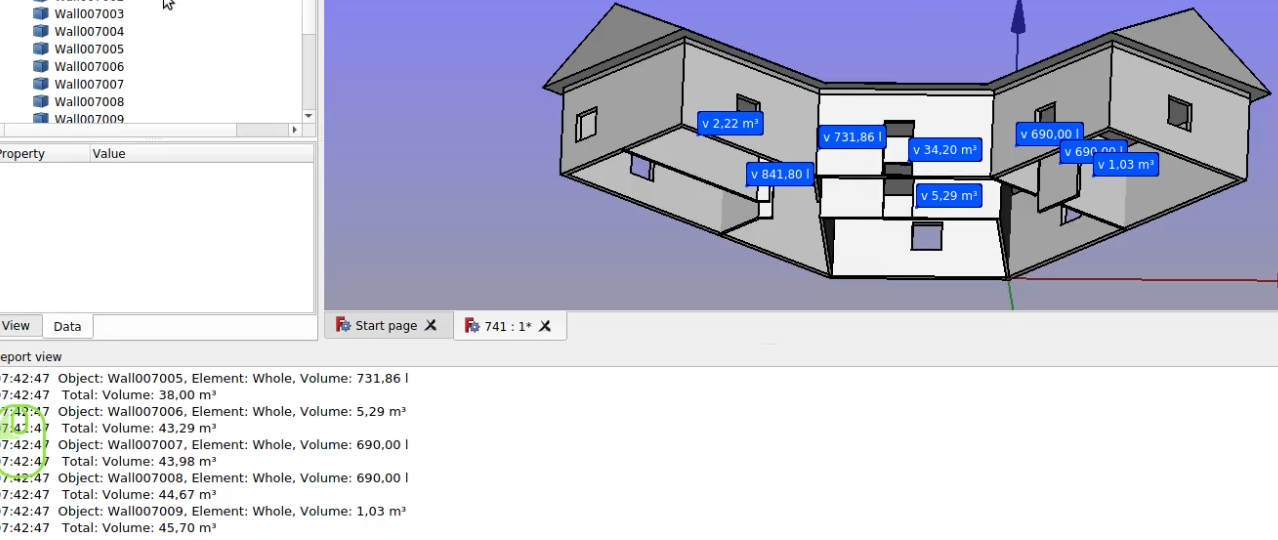
here is an example of using freecad to calculate volumes and areas and then creating an ifc file with the results (without attributes in the part names)
paper plans are often required. e.g. for a building application or the construction site. here is a way to print 2d and 3d plans with labeling and dimensions from the ifc model
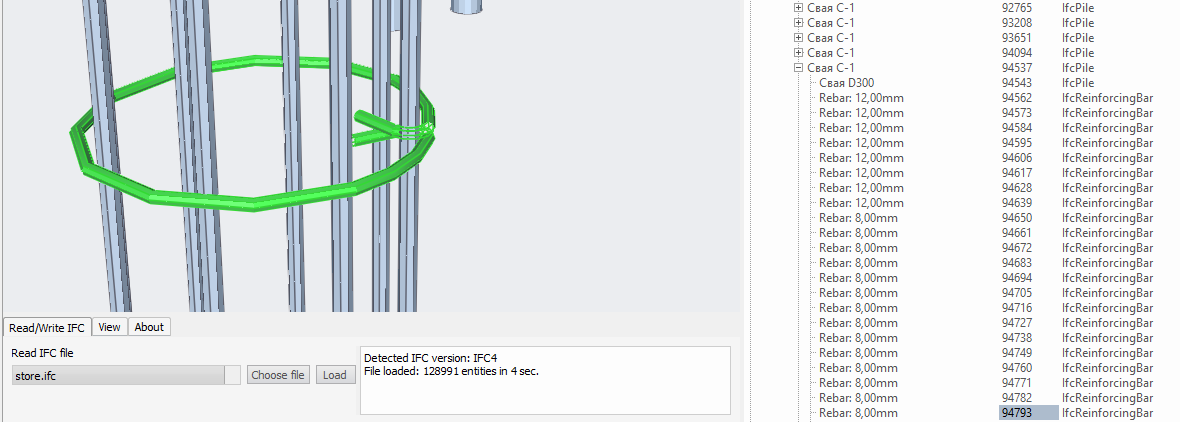
here is a workflow to use ifc files from suppliers with attributes, texts, etc.
Any attributes are also possible that may be required by involved companies. this makes it possible to work on bim projects with 100% free software
in the conversion phase to bim/ifc it can happen that 3d dwg files have to be processed. this can be done using the same quick and easy method as using difficult or large ifc files via mesh, here via sketchup